
I have ADHD. Can you help?


I turned on the ADHD profile and increased the font size.
AI assistant for visitors
Image descriptions, translation, summaries and voice control — as included in your plan.
 Readabler Accessibility Assistant
Install it and your visitors get a free accessibility toolbox right away. Connect a Readabler AI plan to add the AI assistant, profiles and one-click fixes.
Free plugin on WordPress.org · WordPress 6.7+ · WCAG 2.1, ADA, Section 508, EAA
Image descriptions, translation, summaries and voice control — as included in your plan.
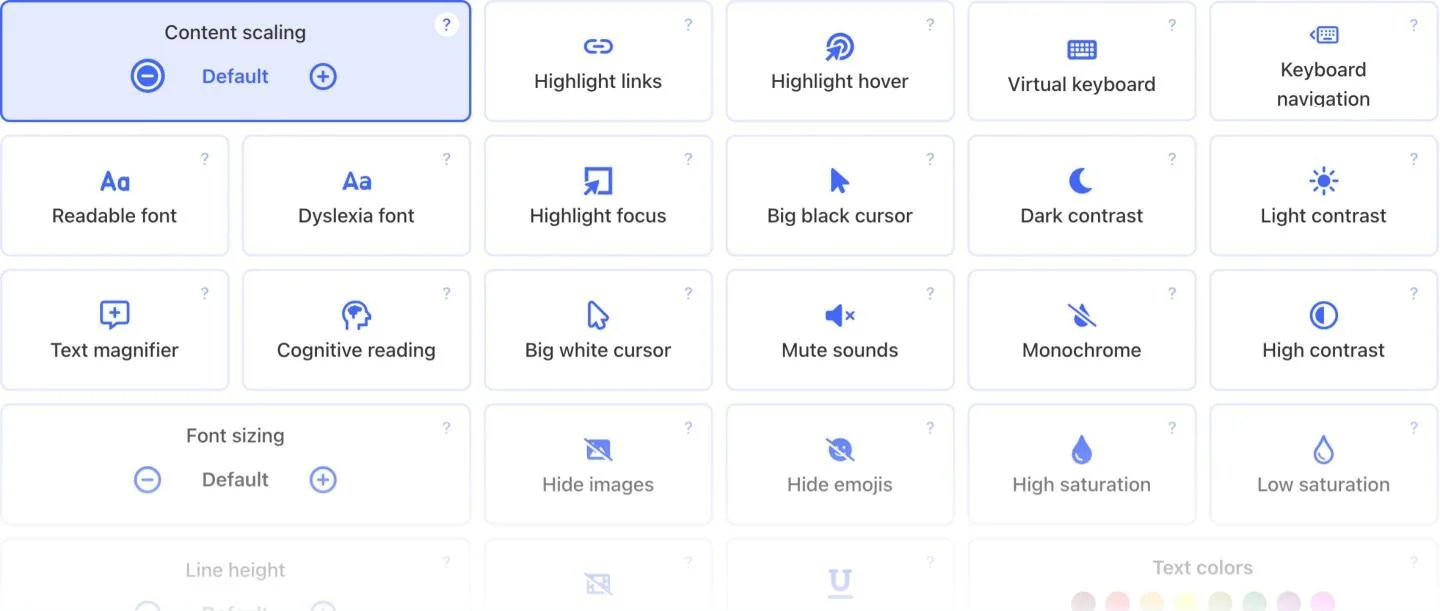
Six one-click profiles and the full premium set of adjustments.
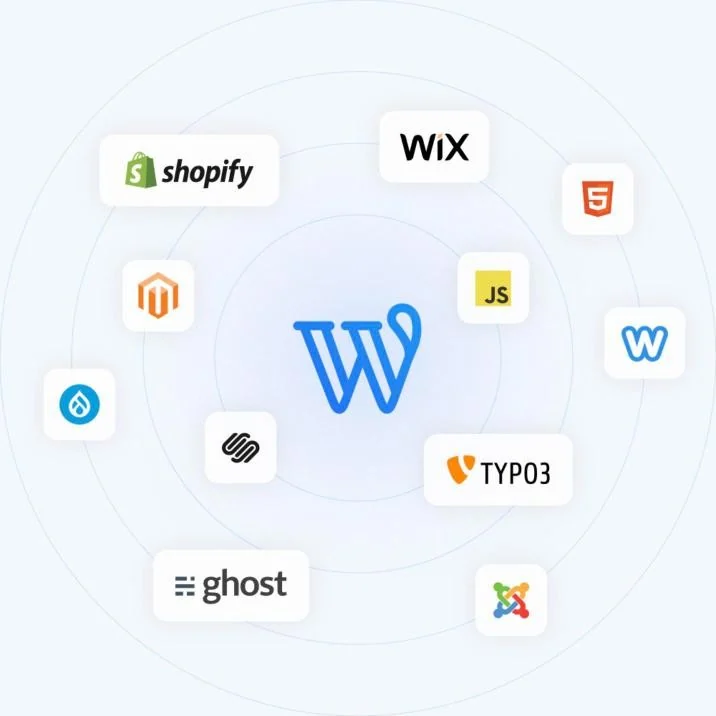
Works alongside your theme; no code to edit.
Neural voices read text, forms and buttons aloud in many languages.
Spacing, dyslexia-friendly fonts, contrast, saturation and brightness.
On-screen keyboard, reading ruler, magnifier, highlighted links and focus.
The panel follows the visitor’s language, right-to-left included.
Plans, usage and reports for all your sites in one dashboard.
Loads deferred in the footer and never blocks your theme or plugins.
Even before you connect a plan, visitors get a basic accessibility toolbox. It runs from the plugin’s own files — no account, no token and no requests to outside services.
Connect a Readabler plan and the toolbox is replaced by the full assistant: AI features, profiles, text to speech and fixes.
Connect a plan and the plugin turns into the full Readabler assistant: help for your visitors, a clear list of barriers for you, and fixes that keep working as you publish.
Patches improve the page in the browser. Layout problems and some issues still need changes in your theme or content.
No license key and no code to edit. If you can install a plugin, you can turn on the assistant.
In WordPress, go to Plugins → Add New and search for “Readabler”.
Sign in or create a free Readabler account from the plugin settings.
Scan for free. Turn on the widget from $4/month, one-click fixes from $7/month.
Accessibility Assistant connects your site to Readabler AI. Readabler Pro is a self-contained plugin you buy once. Pick one — you don’t need both.
| Compare | Accessibility AssistantThis page |  Readabler ProWordPress plugin |
|---|---|---|
| Price | Free plugin · features from $4/mo | From $25 once |
| Where to get it | WordPress.org | TemplateKit |
| Works without an account | Basic toolbox | Full toolset |
| AI assistant for visitors | With a plan | – |
| Site scan and one-click fixes | With a plan | – |
| Accessibility profiles | 6, with a plan | 5 |
| Text to speech | AI voices, with a plan | Google Cloud voices |
| Where it runs | Readabler cloud, always up to date | Your server, you install updates |
| Best for | Sites that want AI help and fixes without managing licenses | Sites that want to own the tool with one payment |
| Download free (opens in a new tab) | See Readabler Pro |
The plugin and its basic toolbox are free. The AI assistant and fixes come with a Readabler AI plan.
Prefer a one-time license? Readabler Pro runs fully on your server — from $25 once, sold separately on TemplateKit. See the comparison above.
Yes. Without an account it shows a free toolbox: content scaling, font sizing, text magnifier, dark and light contrast and useful links. The site scan is free with an account. The full widget starts at $4 a month; AI features and one-click fixes start at $7 a month.
Accessibility Assistant is connected to the Readabler cloud: AI features, fixes and reports come from your account and need no license key. Readabler Pro is a self-contained plugin you buy once and run on your own server.
Yes. The assistant works alongside any theme and builder — Gutenberg, Elementor, Divi and others. You do not need to edit any code.
Yes. Connect each site to the same Readabler account and manage their plans, usage and reports in one dashboard.
It removes many barriers for visitors and shows a good-faith effort, but no tool alone guarantees compliance. This is not legal advice.
 Readabler AIAI assistant and full toolset for any website.Free scan · plans from $4/mo
 Accessibility AnalyzerScan for WCAG barriers and fix them in one click.10 free reportsWordPress pluginReadabler Pro: the top-selling accessibility plugin.From $25You are hereAccessibility AssistantFree WordPress.org plugin connected to Readabler AI.Free plugin
 Shopify appAccessibility widget for Shopify storefronts.From $9/mo
 Standalone JSSelf-hosted script for any HTML website.From $89 · lifetime
 Browser extensionChrome, Edge and Firefox — on every site you visit.1 day free, then $19/moNot sure which one?Compare all seven side by side →