
















 Readabler for WordPress
The top-selling accessibility plugin for WordPress
Profiles, text-to-speech, readability and contrast tools in one draggable panel — installed like any plugin, owned for life.
Lifetime updates · 1 year of support · Elementor, WPBakery, Divi, Gutenberg, Visual Composer

 Also from Readabler
Unlock Accessibility Intelligence
Experience the world’s first Accessibility Intelligence – the ultimate solution for developers and site owners to create inclusive, user-friendly, and internationally compliant websites. Elevate user experience, stay ahead of legal risks, and build a web that works for everyone.

1 billion people have a vision impairment
According to the World Health Organization research
These 1 billion people include those with moderate or severe distance vision impairment or blindness due to unaddressed refractive error (123.7 million), cataract (65.2 million), glaucoma (6.9 million), corneal opacities (4.2 million), diabetic retinopathy (3 million), and trachoma (2 million), as well as near vision impairment caused by unaddressed presbyopia (826 million).
1,000,000,000 Visual Impairment Peoples
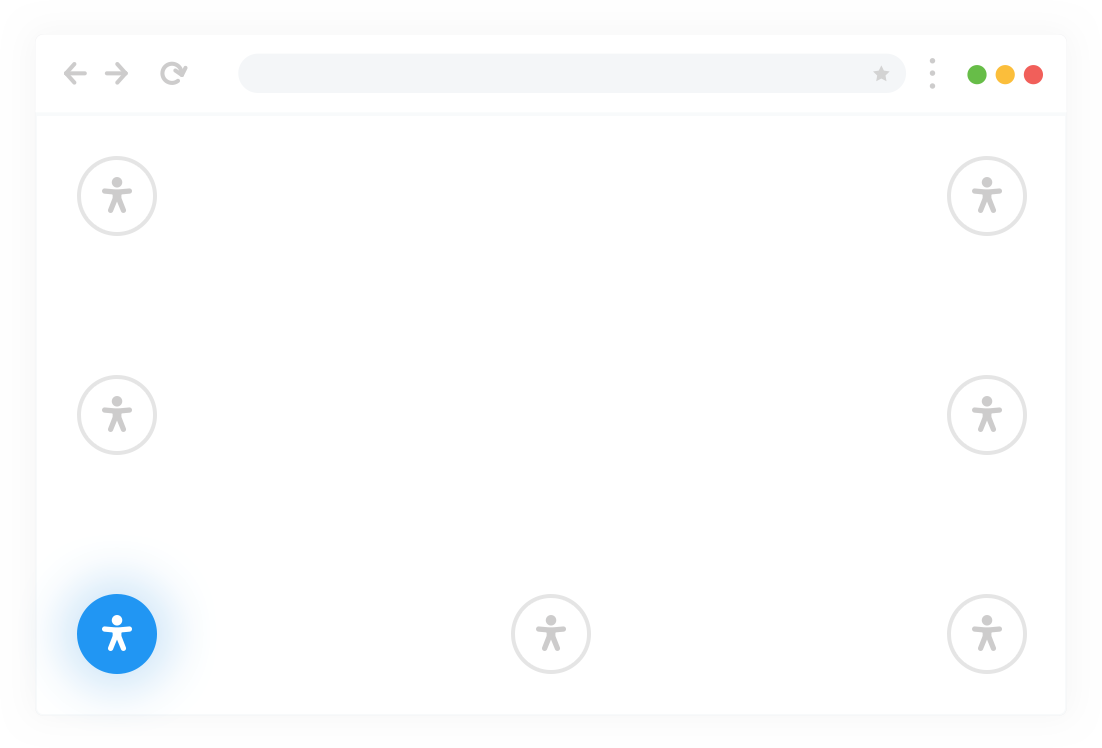
7 Positions for placing the accessibility button
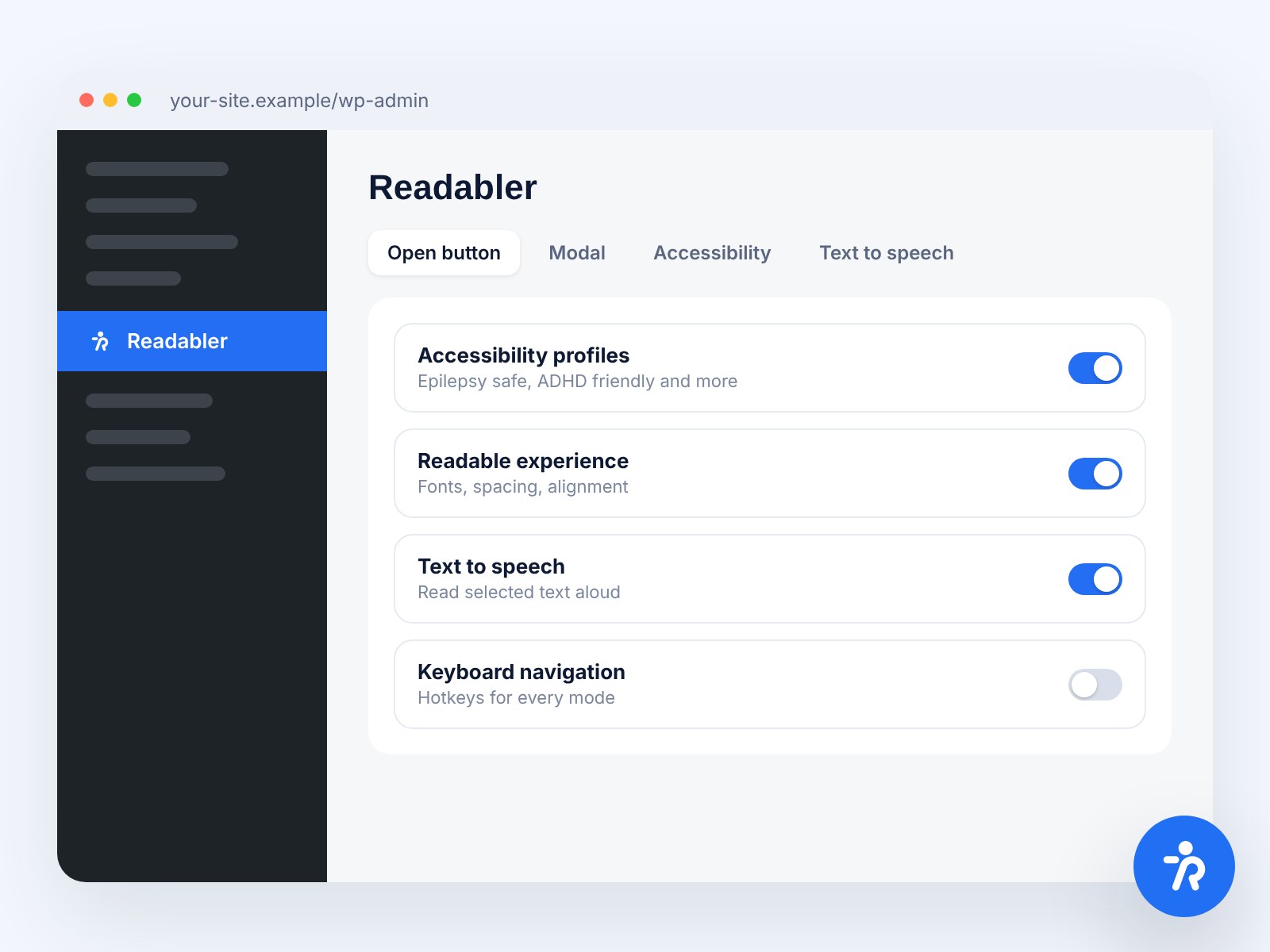
The accessibility button will fit perfectly into any website design. There are 7 positions for button placement in the plugin settings. Animation and the ability to flexibly customize icon and button styles will allow you to achieve the perfect match between the button and your site.
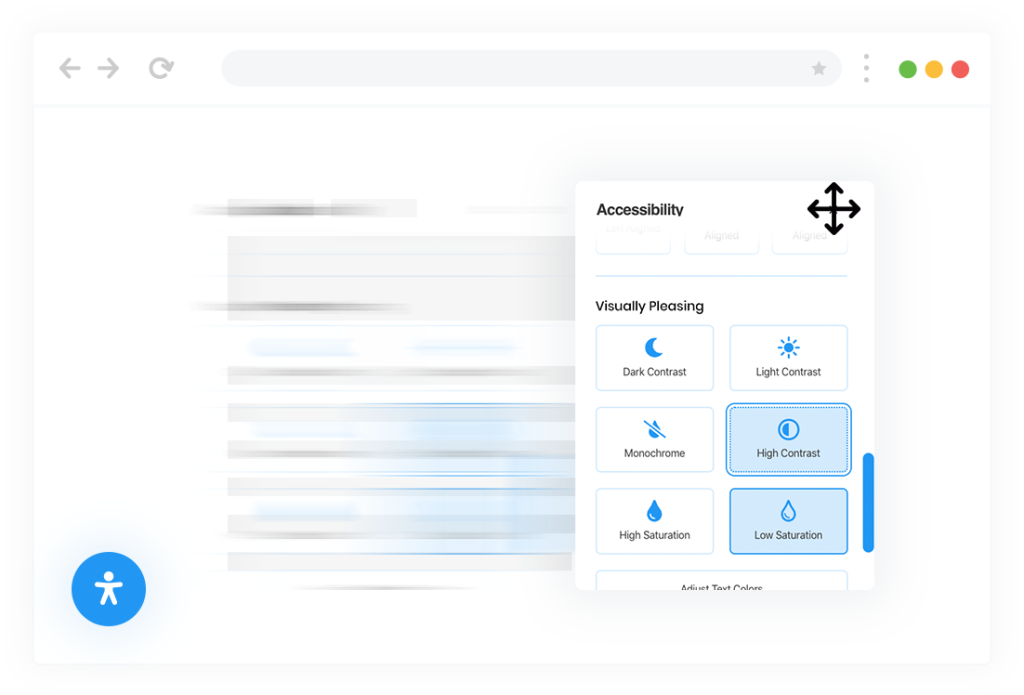
Draggable accessibility settings window
The accessibility plugin for WordPress will make publications on your website accessible to people with perception problems, cognitive impairments, hearing or vision impairments.
Includes Five WordPress Accessibility Profiles
Using the plugin settings, it is possible to choose a flexible set of settings and options that will be used on your site. Simultaneously, the plugin has 5 pre-installed profiles that will increase the accessibility of your site for people with Epilepsy, Visual Impaired, Cognitive Disability, ADHC, and also partially or completely blind.
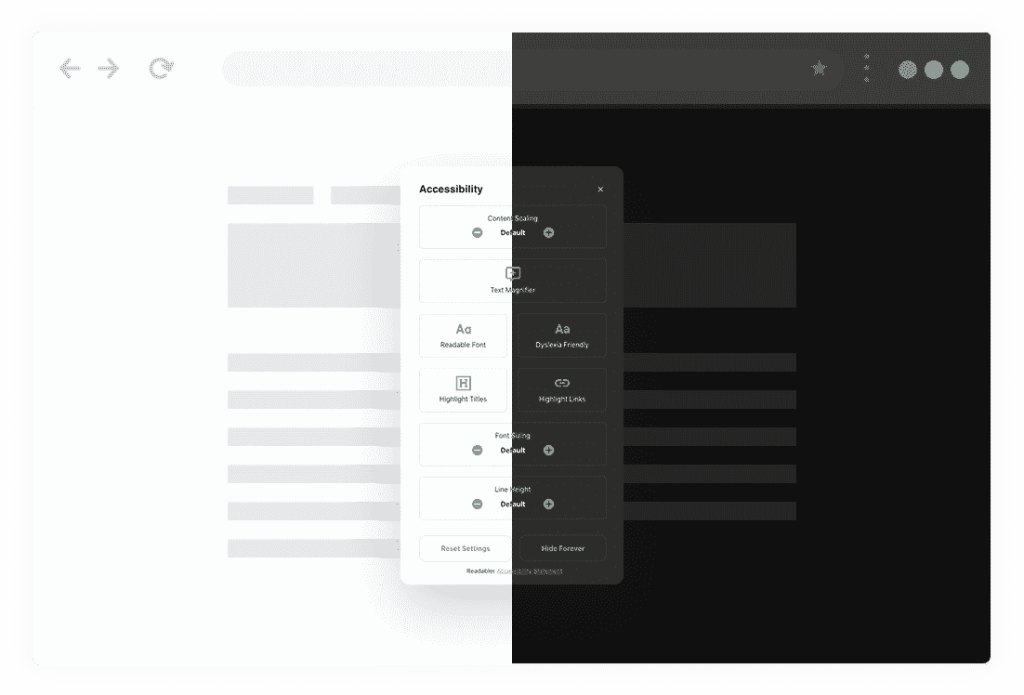
Day & Night color scheme based on browser settings
The plugin provides Day(Light) and Night(Dark) color theme profiles for the assessable window. Color themes switch automatically depending on the browser settings or the user’s operating system.
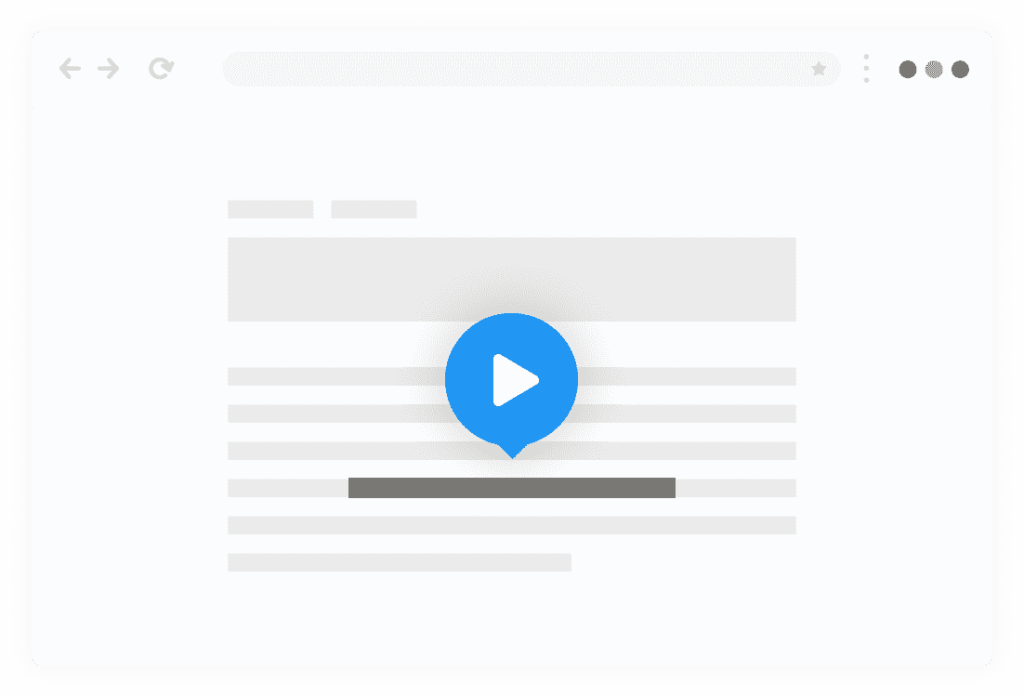
Highlight and listen
by Google Cloud
The Readabler uses the latest technology of machine learning and artificial intelligence to play a high-quality human voice. The basis of the Text-to-Speech recognition is the Google Cloud Platform, which ensures the reliability and speed of the plugin anywhere in the world.






















More than 240 voices across 40+ languages and variants
The Accessibility WordPress Plugin converts text into human-like speech in more than 240 voices across 40+ languages and variants. It applies groundbreaking research in speech synthesis (WaveNet) and Google’s robust neural networks to deliver high-fidelity audio

Excellent Readability Experience
One of the main features of the plugin is to improve the readability of text content. To solve this problem, the plugin has settings for scaling the entire page or only some types of test, for example, a heading or plain text. Also important for readability are the settings for increasing line and letter spacing, changing all texts’ alignment.
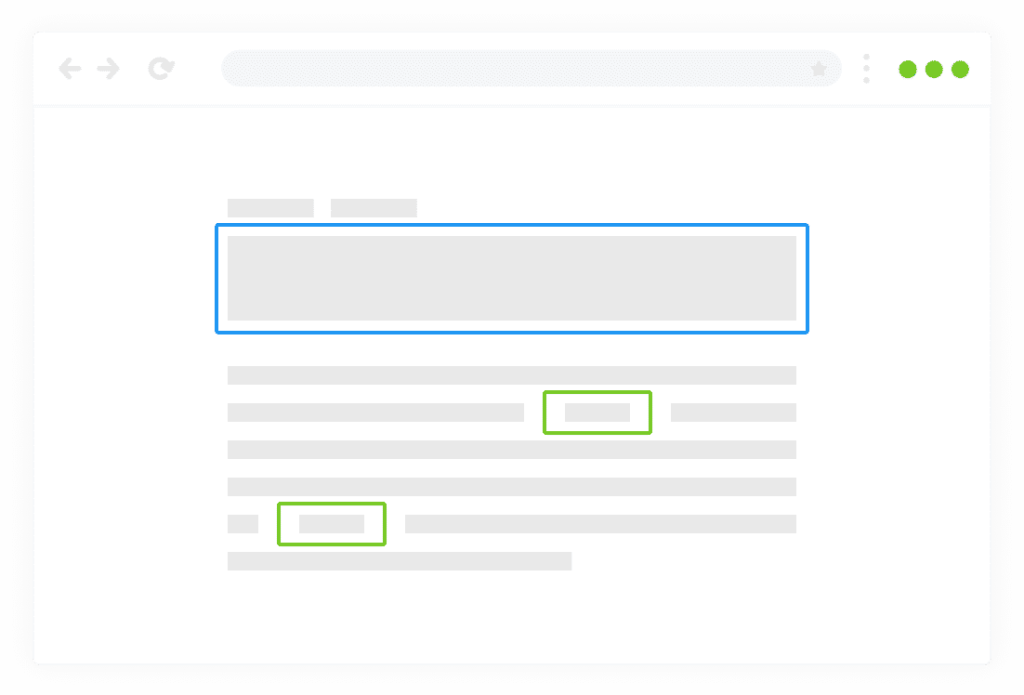
Highlighting titles, links, texts and more
An important part of any site is interaction with the page, for which the plugin provides modes for highlighting texts and titles and a magnifier that enlarges the text when you hover the mouse cursor over it.
Online Dictionary by Wikipedia
For people with memory difficulties or forgetting to define things and concepts, we added Wikipedia to the plugin. To access the huge knowledge base of Wikipedia, you just need to open the accessibility control panel and write a word to clarify the meaning in the search field. In a few seconds, Wikipedia will show everything it knows about this thing or concept.
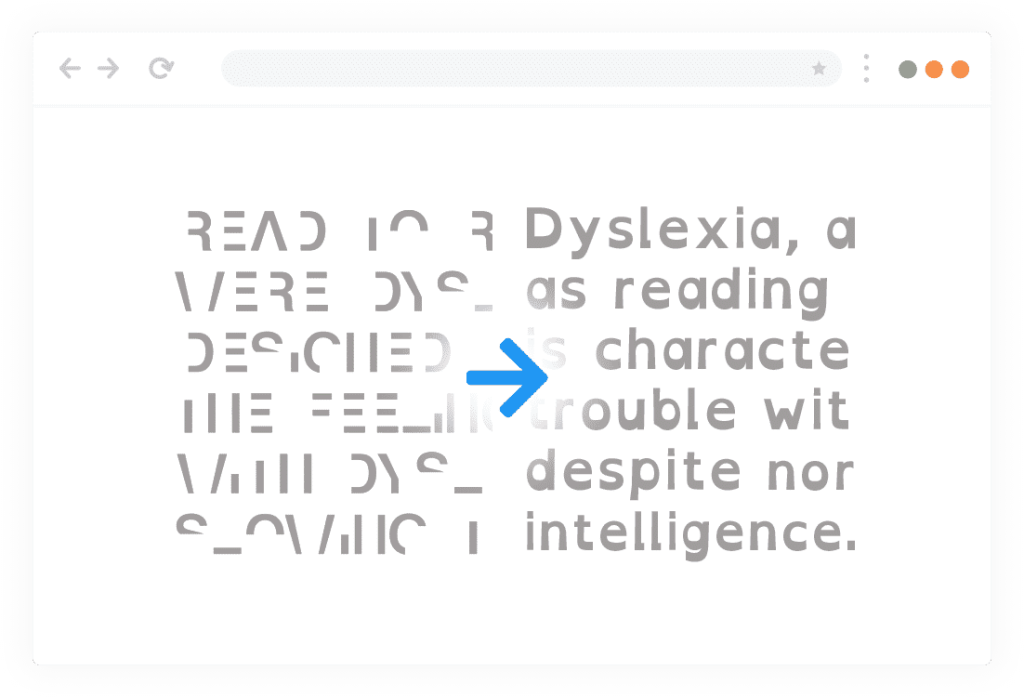
Font management and
Dyslexia friendly font
For people who find it difficult to read text written in calligraphic or sans fonts, the plugin provides a mode for changing the font on the entire site to readable or to a font for people who have Dyslexia.
Disable anything
that might be annoying or distracting
One of the important settings in this group allows you to turn off anything that can flicker or blink, such as videos, CSS animations, and animated GIF images.
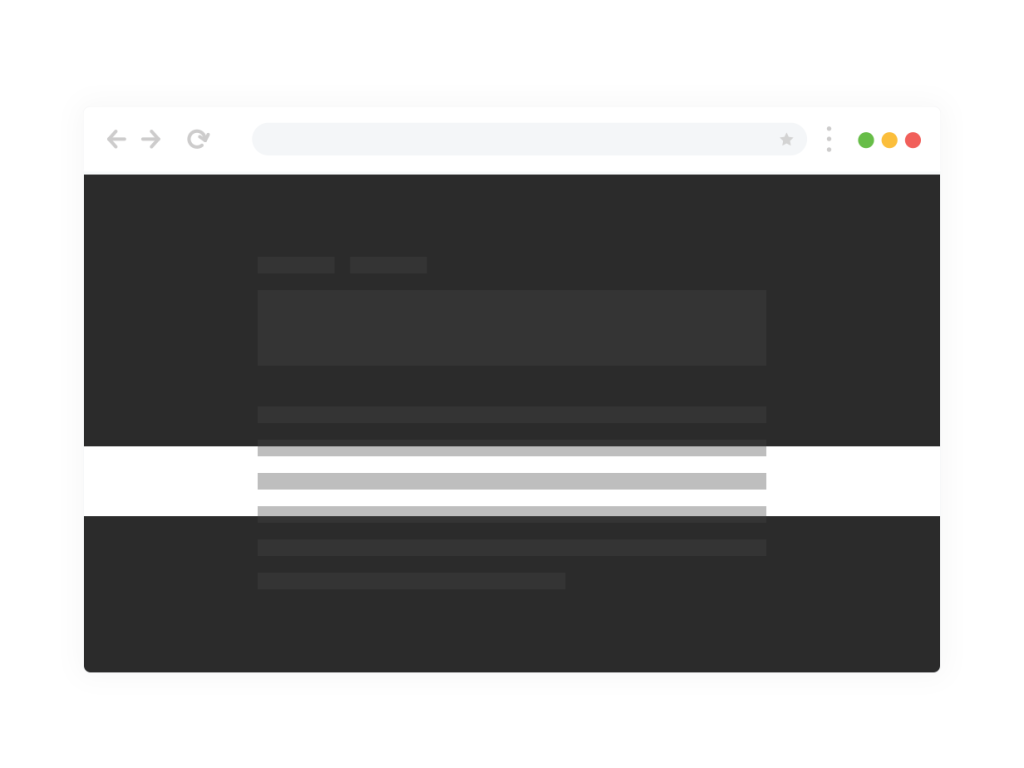
Attention deficit hyperactivity disorder (ADHD)
A large group of settings to improve the WordPress Accessibility for people with orientation disorders. The Readabler automatically analyzes the page at load time and creates a list of all links on the page so that several links do not go unnoticed or inaccessible for any reason.
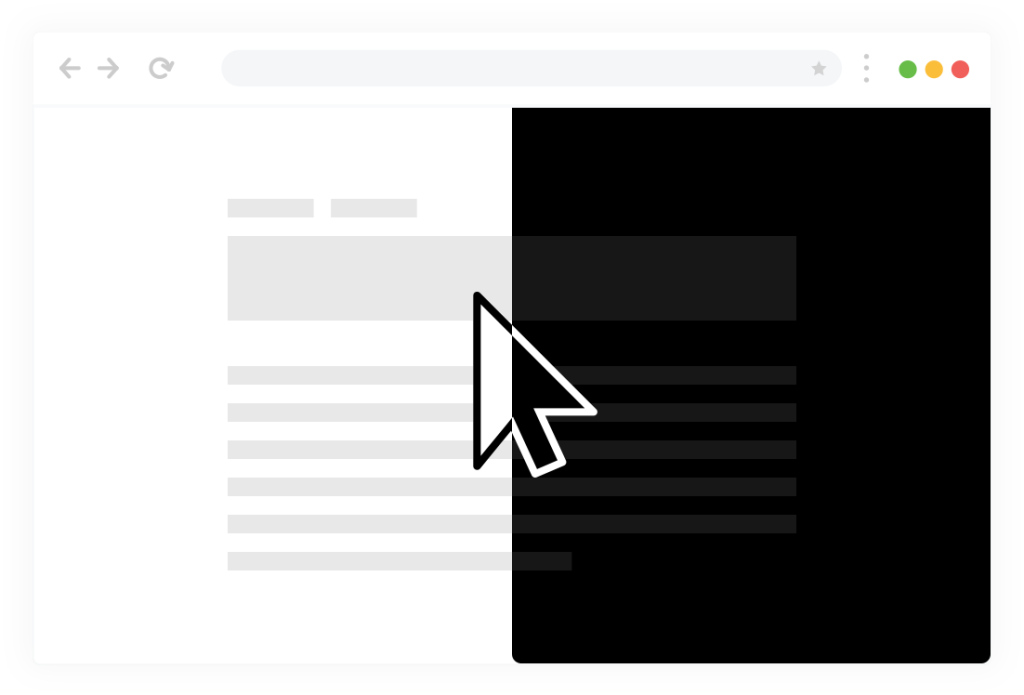
Black or White Large Cursors
Large cursors in black and white are available in the plugin to facilitate mouse navigation. Several modes for improved selection of objects on hover and focus and mode for controlling the page from the keyboard.
Mute website sound
The plugin is built on JavaScript, making it fully compatible with most existing WordPress Themes and extensions. It also allows the plugin to work quickly in any modern browser, both on a mobile device, laptop, and desktop computer.
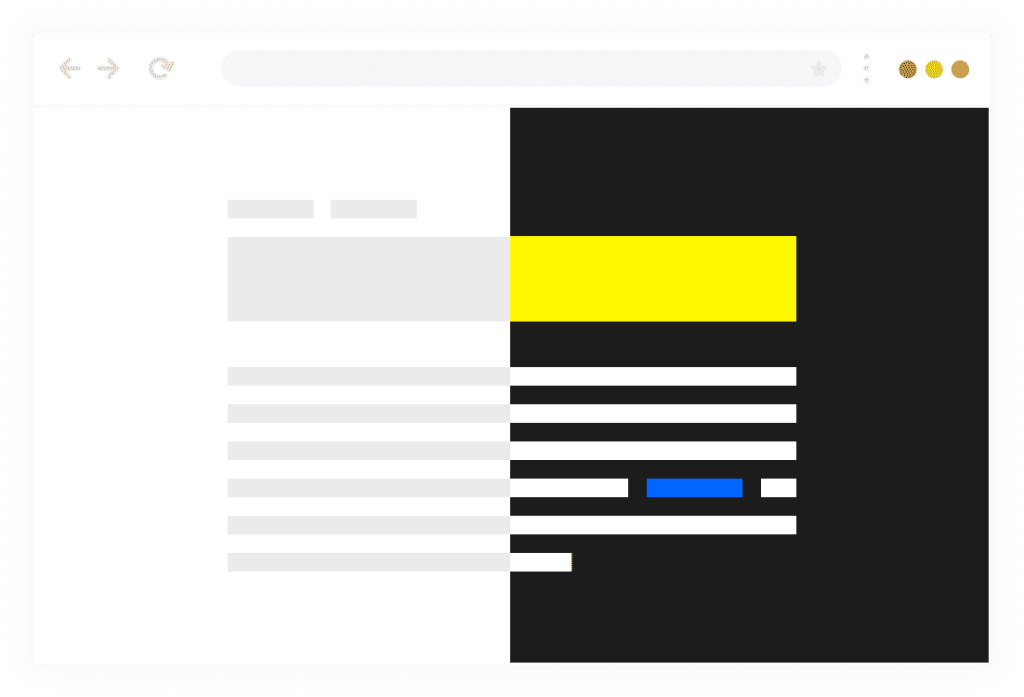
Controlling visual pleasing, and page contrast
Change in the color of fonts and backgrounds makes available text that in the usual mode could not be readable. In addition to the usual brightness, saturation, and contrast control modes, the plugin will make the site monochrome in black-white mode.
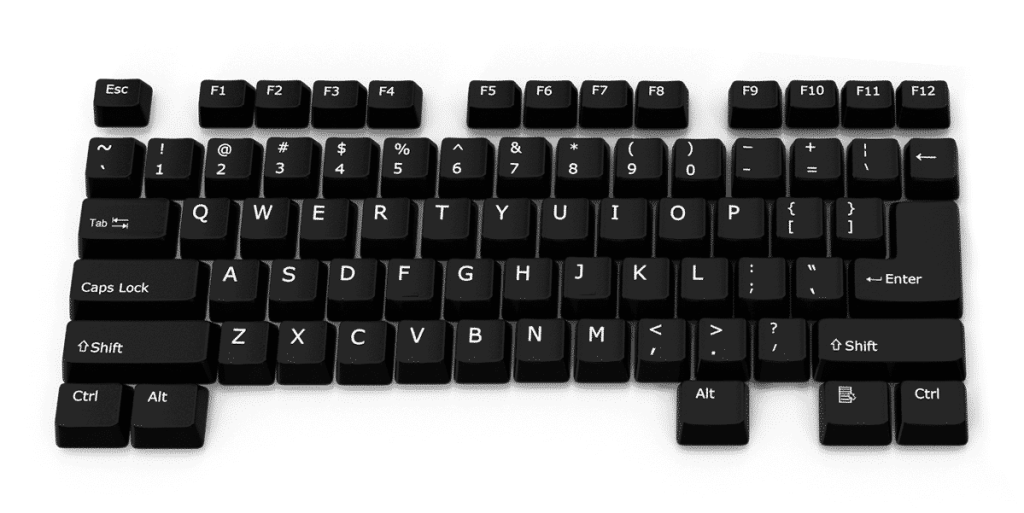
Virtual keyboard and additional keyboard navigation
For people who cannot use the keyboard to type the test text, we have added a full virtual keyboard to the plugin. It is an on-screen keyboard with which you can enter text using manipulators such as a mouse or touchpad.




Works with any page builder and framework
Readabler WordPress Accessibility tested with popular Website Page Builders: Elementor, Visual Composer, Gutenberg, Beaver Builder, Divi, Themify Builder, WP Bakery Page Builder, Layers WP, and many others. The plugin works perfectly with all significant WordPress frameworks: Genesis, Divi, Themify, Warp 7, Ultimatum, Beans, Unyson, Gantry, and others.
Perfect for most popular
WordPress themes
Readabler is completely compatible with Avada, Jupiter, BeTheme, The7, Flatsome, Enfold, Porto, Bridge, Uncode, TheGem, Newspaper, Salient, Total, X Theme, Kalium, ListingPro and more.



- Flexible accessible settings set
- Visual impairments adjustment settings
- Visual pleasing adjustments settings
- Includes settings group to improve readability
- Settings to improve focus of attention
- Scaling and highlighting text content by type
- Draggable accessibility window
- Appearance animation of the accessibility button
- Flexible style settings of the button
- Text recognition is powered by Google Cloud API
- Includes exclusive access to WaveNet technology
- Text recognizing across 40+ languages
- 7 Positions for placing the accessibility button
- WCAG 2 Level AAA Compliant
- Day and Night color schemes
- Tested and compatible with the latest WordPress release
- Compatible with Elementor, WPBakery Page Builder and Visual Composer, Divi, etc.
- Works well with all popular WordPress Themes
- Gutenberg Ready
- Compatible with all Modern Browsers
- Perfect for RTL direction
- Native Valid JavaScript, without jQuery
- Beautiful modern User Interface
- Lightweight and Fast
- Fully SEO-friendly
- Installation Guide & Detailed User Manual
- Six months Included Support for CodeCanyon buyers
Customer Support Service & Online Documentation
Our support team is incredible fans of the WordPress, and ready to help and solve even the most difficult problems. The plugin installation takes only a few seconds. The plugin is ready to work immediately after installation – you only need to install and activate it in WordPress.
The top-selling WordPress accessibility plugin — now for any website
Use the AI platform on any site with one script tag, or pick the edition built for your CMS, your store or your own browser.
More from the Readabler universe
-
Readabler AI
AI assistant and full toolset for any website.
Free scan · plans from $4/mo
-
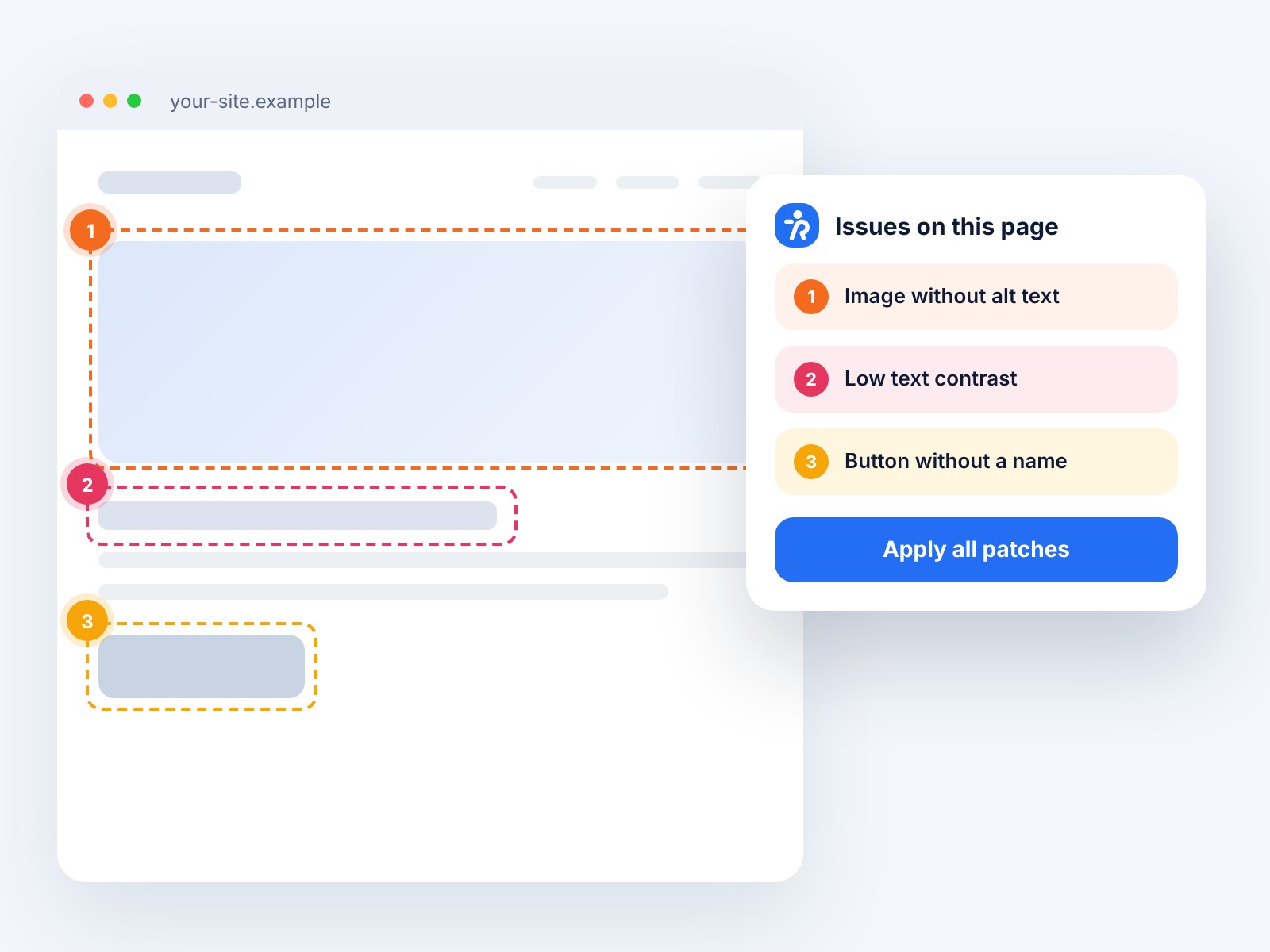
 Accessibility Analyzer
Scan for WCAG barriers and fix them in one click.
10 free reports
-
You are here
WordPress plugin
Readabler: the top-selling accessibility plugin.
From $25
-
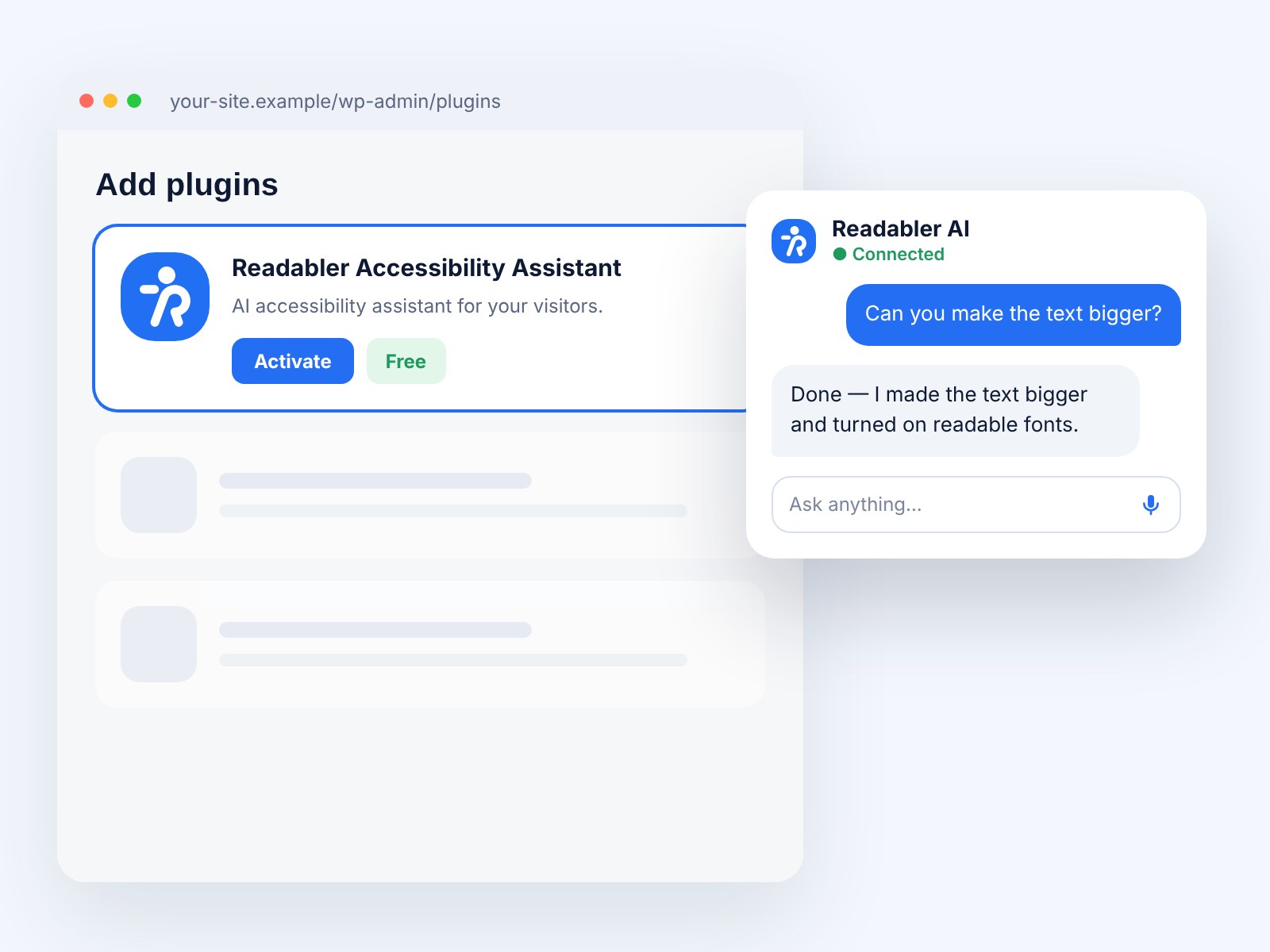
 Accessibility Assistant
Free WordPress.org plugin connected to Readabler AI.
Free plugin
-
 Shopify app
Accessibility widget for Shopify storefronts.
From $9/mo
-
 Standalone JS
Self-hosted script for any HTML website.
From $89 · lifetime
-
 Browser extension
Chrome, Edge and Firefox — on every site you visit.
1 day free, then $19/mo
- Not sure which one? Compare all seven side by side →
Readabler for WordPress
Make your WordPress site accessible today
Install the plugin in a few seconds, pick a profile and give every visitor the reading, contrast and voice tools they need.
- Lifetime updates
- 1 year of support
- Works with any theme and page builder