
 Accessibility Assistant
Everything in Accessibility Assistant
A free WordPress.org plugin with a basic accessibility toolbox. Connect a Readabler AI plan to add the assistant, patches and the full toolset.
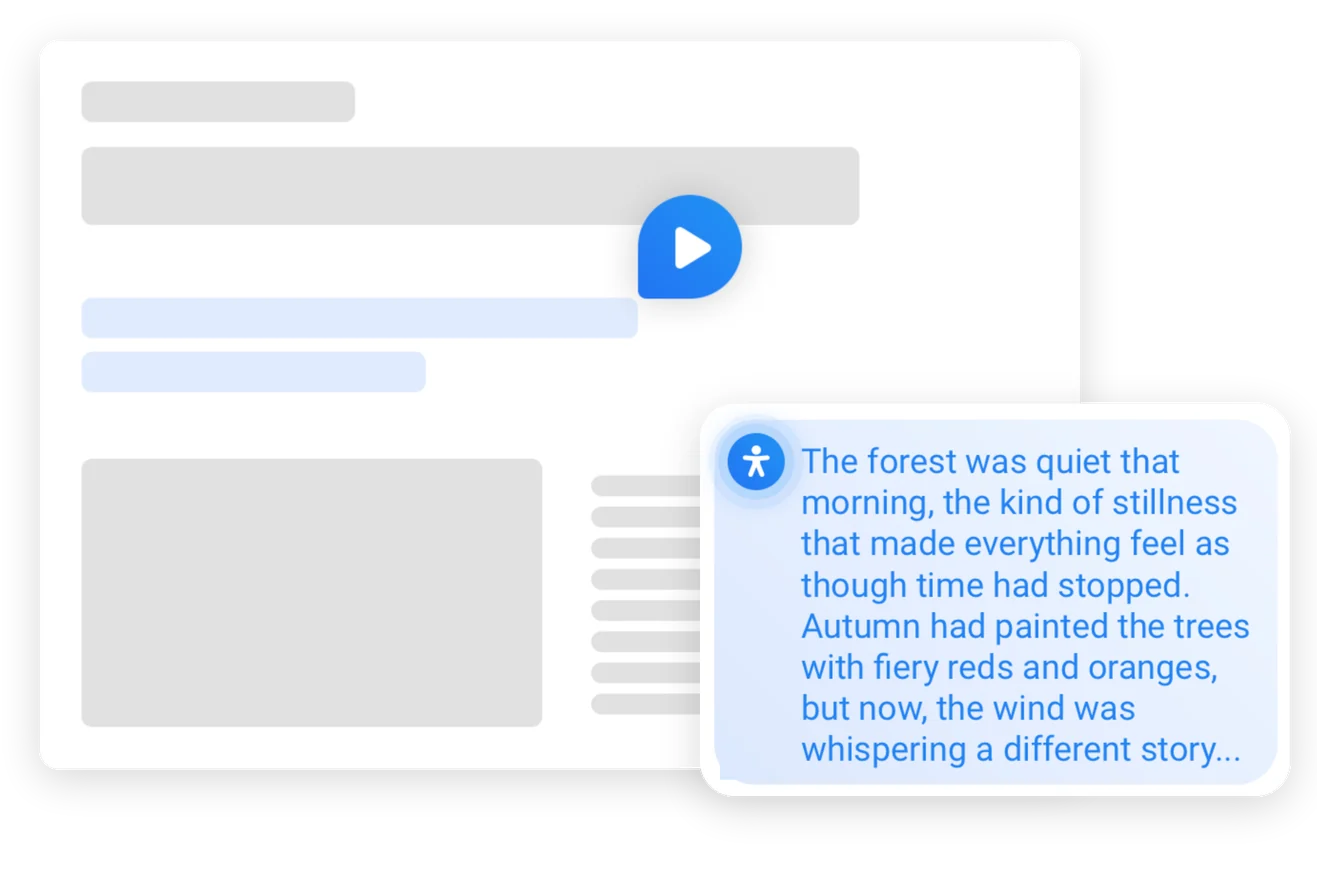
Natural voices for everything on the page
Neural voices in many languages read text, dynamic content, forms and buttons.
Ask for an adjustment
Visitors say what they need and the assistant changes the settings.


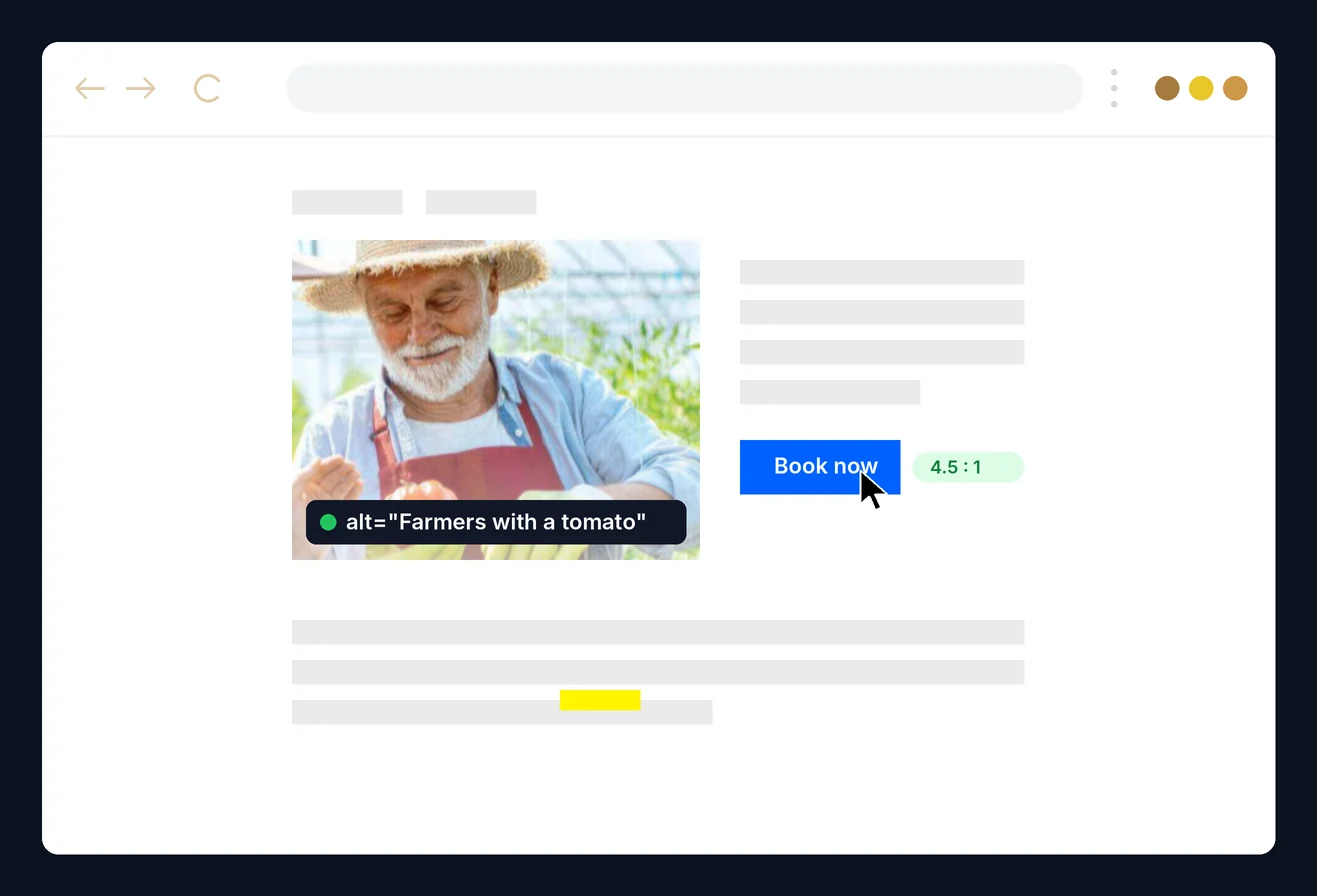
Every picture explained
The assistant describes images on request.


Patches from your Readabler dashboard
Fixes found by the Readabler analyzer apply to your WordPress pages without code changes.
In the visitor’s language
Page text translated in real time.
Navigate by speaking
Visitors open links and move around the page by voice.
Ask the page a question
The assistant says whether the page covers a topic.

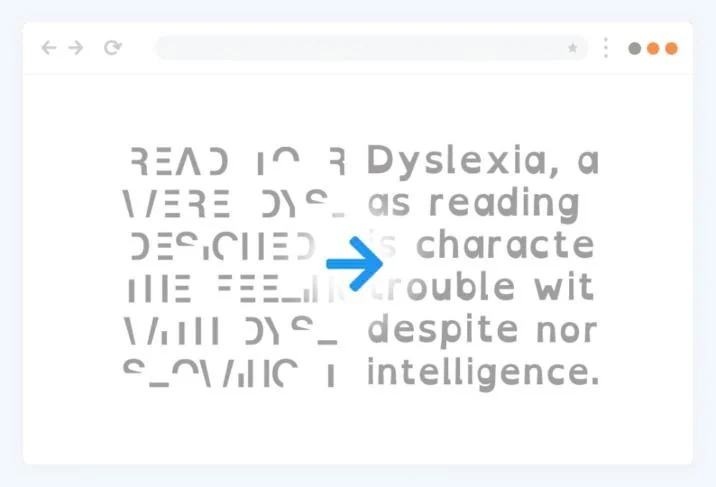
Easier text
Dyslexia-friendly fonts and control over size and spacing.
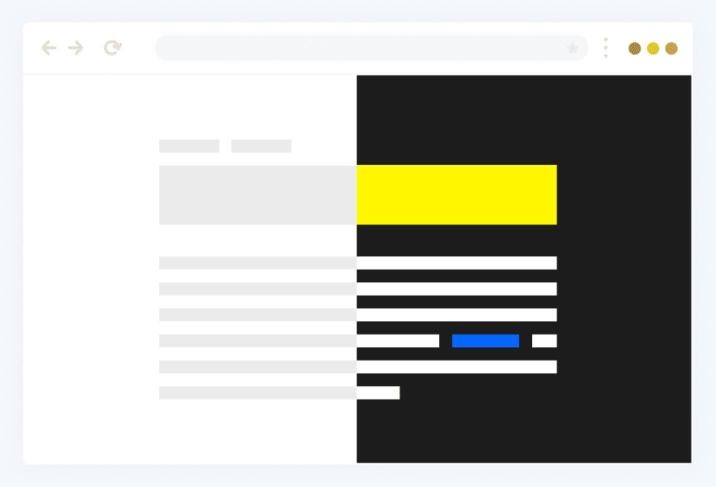
Colours that work
High contrast, low saturation, grayscale and brightness.
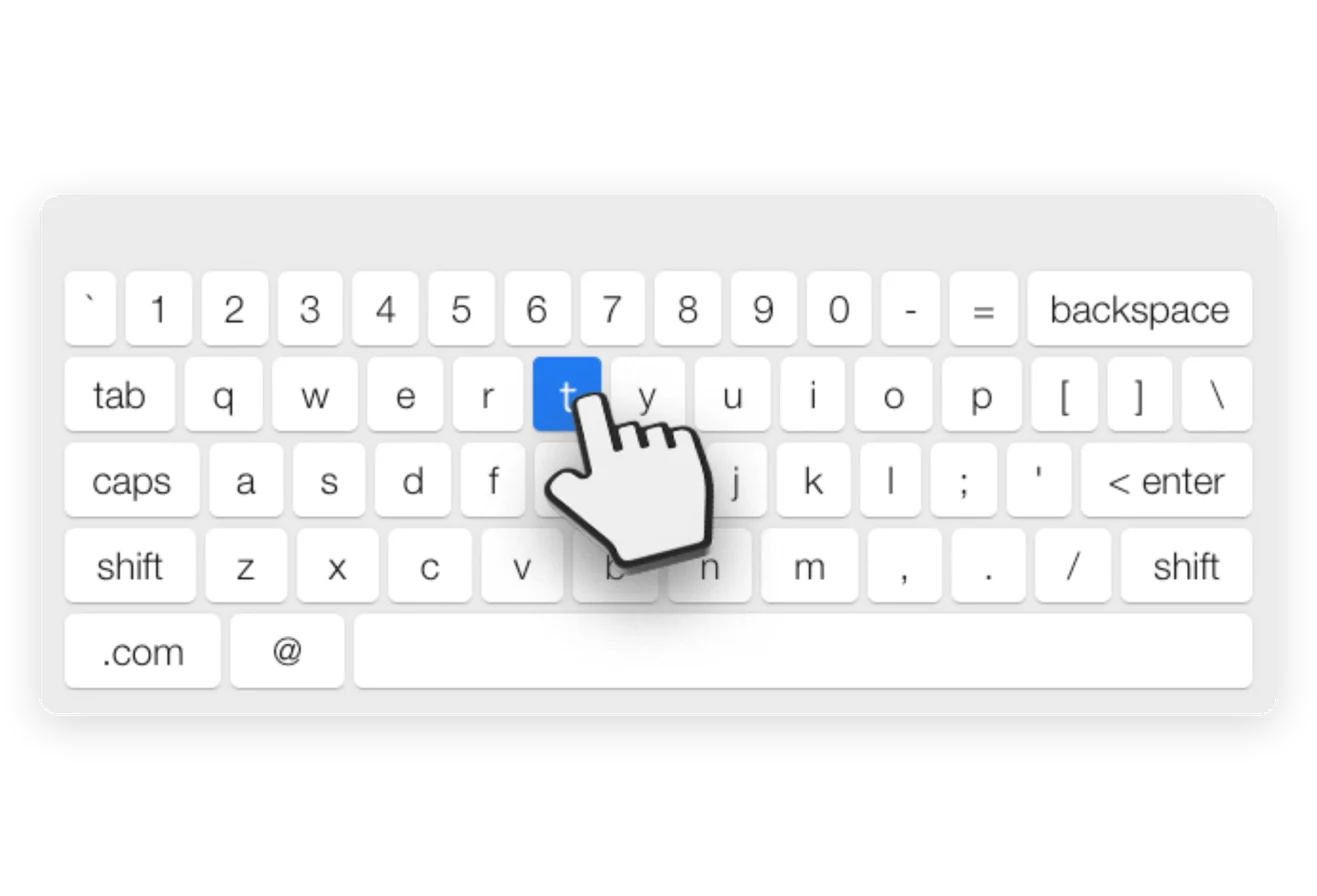
On-screen keyboard
Type and navigate without a physical keyboard.
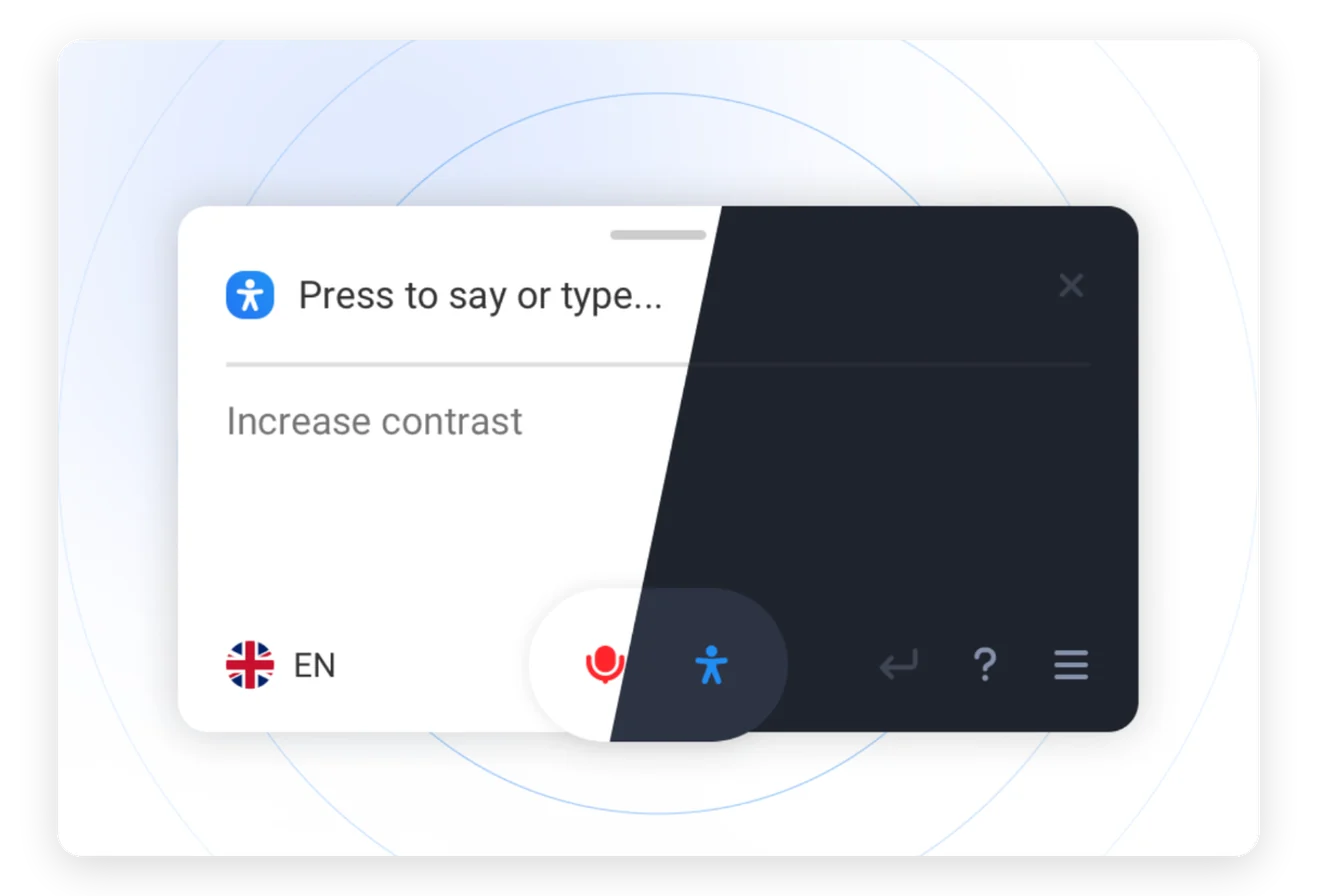
Light or dark, on any device
A customizable, mobile-friendly widget in 16 languages.
Seamless integration
No coding. Works with major themes, Elementor, WPBakery and Gutenberg.
AI features and patches depend on your Readabler AI plan.
More from the Readabler universe
 Readabler AIAI assistant and full toolset for any website.Free scan · plans from $4/mo
 Accessibility AnalyzerScan for WCAG barriers and fix them in one click.10 free reports
 WordPress pluginReadabler Pro: the top-selling accessibility plugin.From $25You are hereAccessibility AssistantFree WordPress.org plugin connected to Readabler AI.Free plugin
 Shopify appAccessibility widget for Shopify storefronts.From $9/mo
 Standalone JSSelf-hosted script for any HTML website.From $89 · lifetime
 Browser extensionChrome, Edge and Firefox — on every site you visit.1 day free, then $19/moNot sure which one?Compare all seven side by side →