
 Browser extension
Everything in the Readabler extension
The same engine as the Readabler widget, in your browser — on every site you visit.
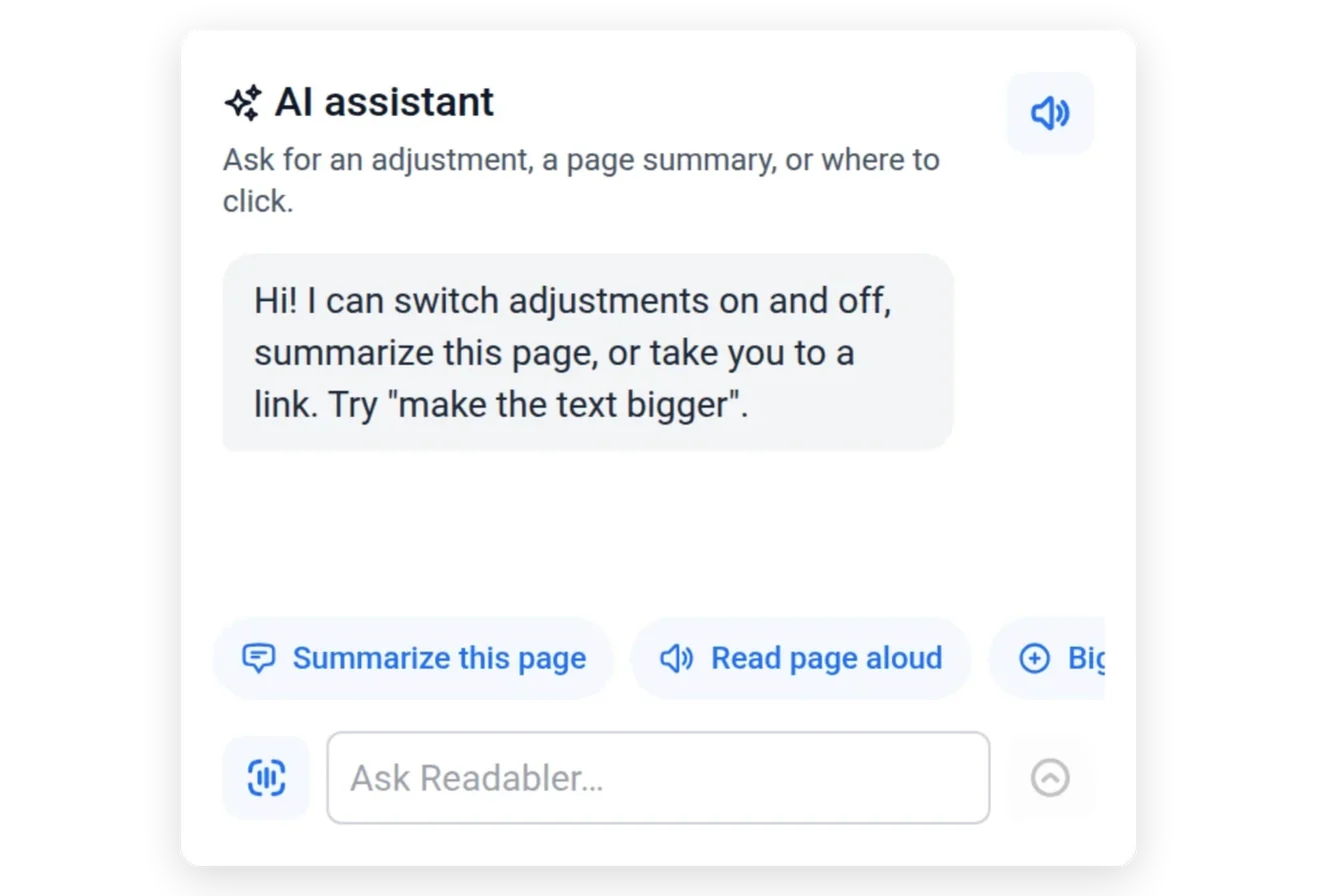
Ask any page
Summaries, read aloud, “make the text bigger” or where to click — on any website.
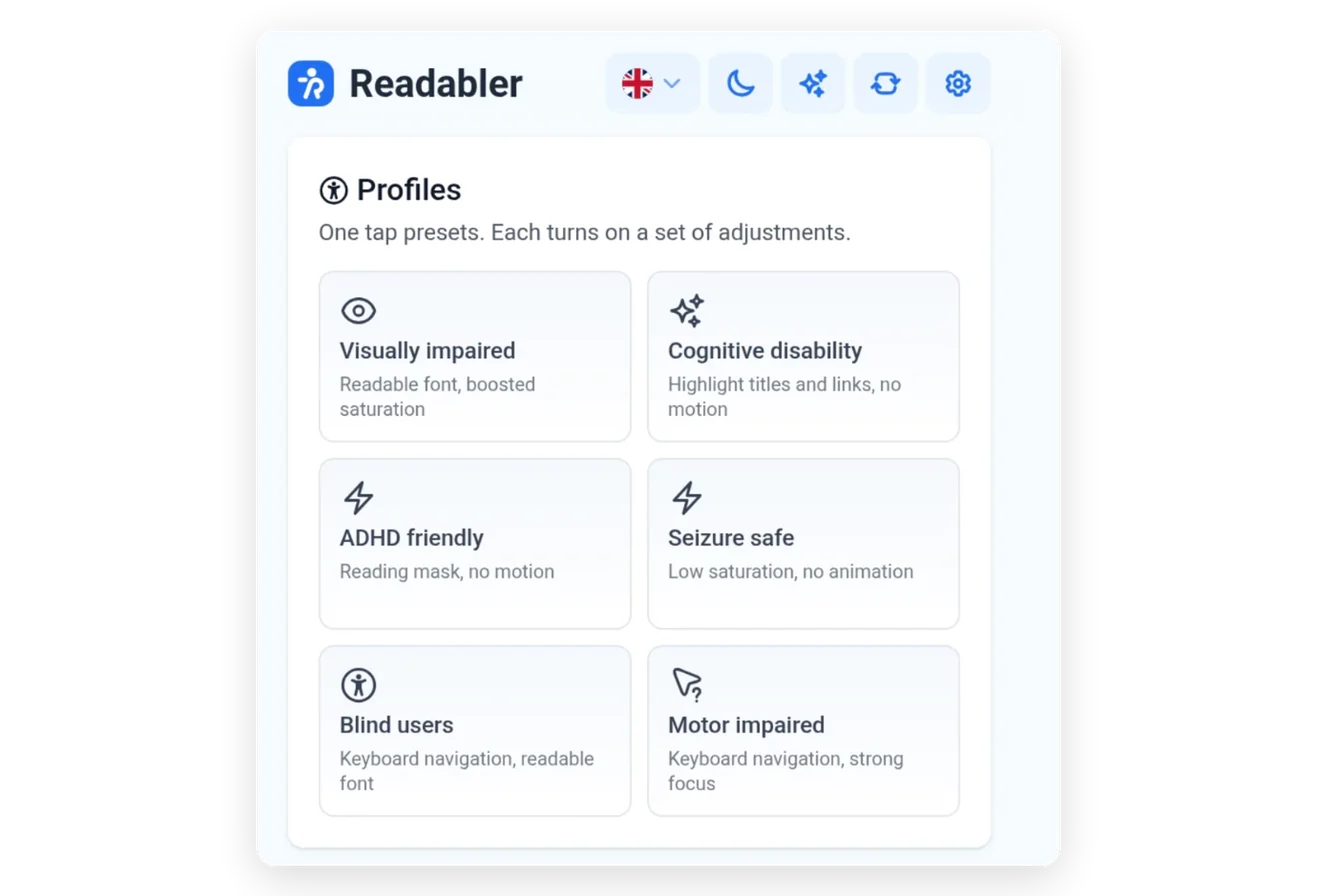
One tap presets
Visually impaired, cognitive, ADHD, seizure safe, blind users and motor impaired.
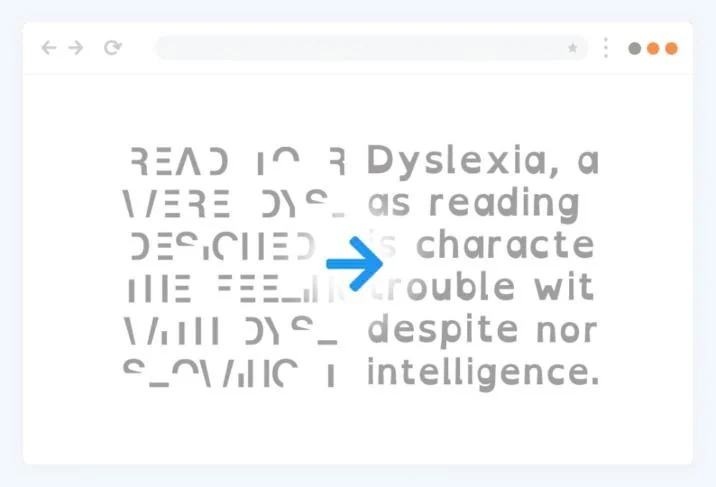
Read comfortably
Readable fonts including OpenDyslexic, with size, spacing and alignment.
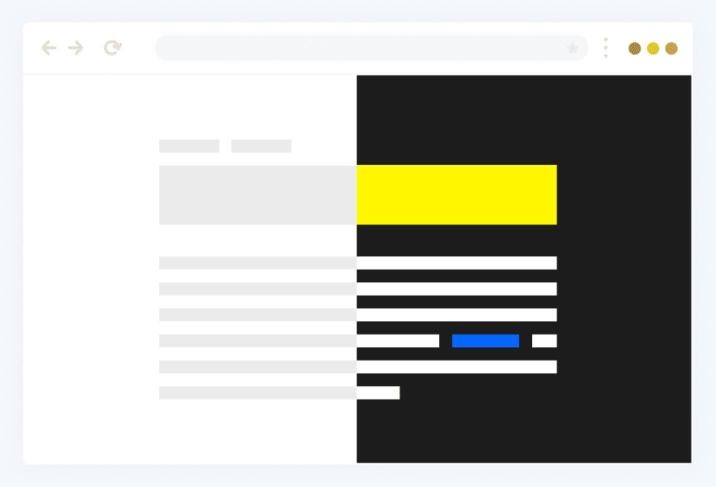
See clearly
Dark, light and high contrast, saturation and custom colours.
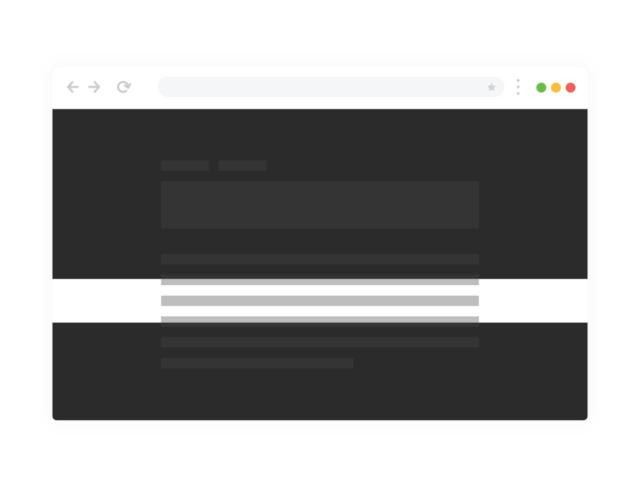
Stay on the line
A mask and a reading guide for focused reading.
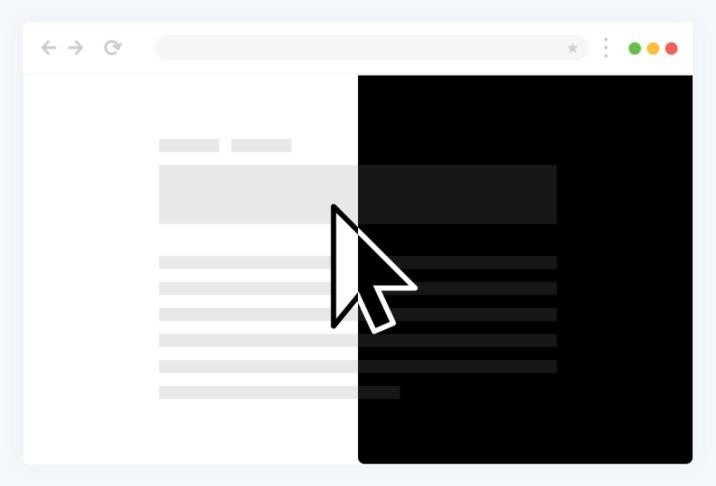
Large cursors
Black or white pointers that are easy to follow.
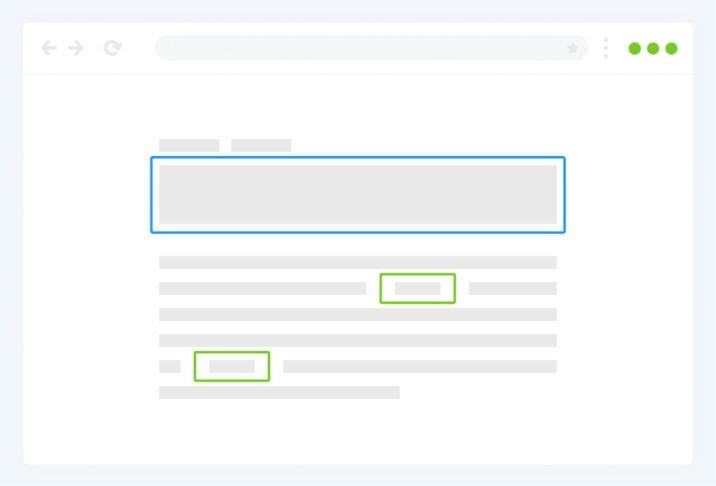
Highlight links and headings
Frames for links, headings, hover and focus.
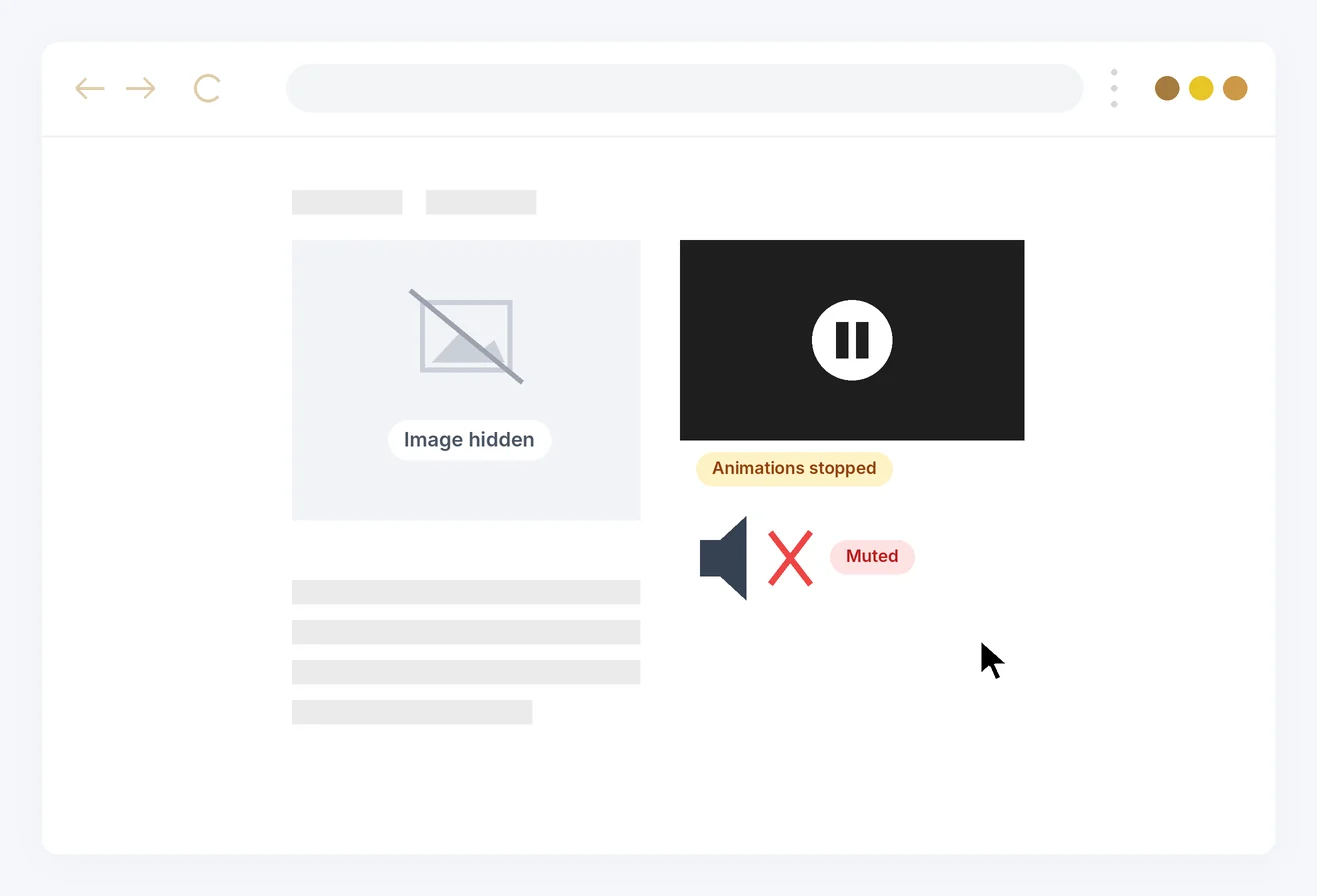
Quiet the web
Stop animations, hide images and emoji, mute sounds.
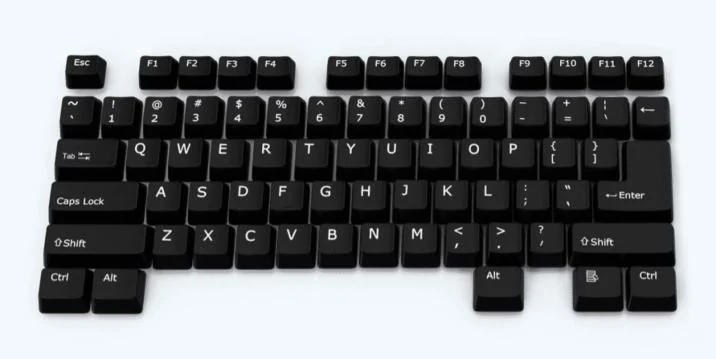
Keyboard navigation
Move through any site without a mouse.
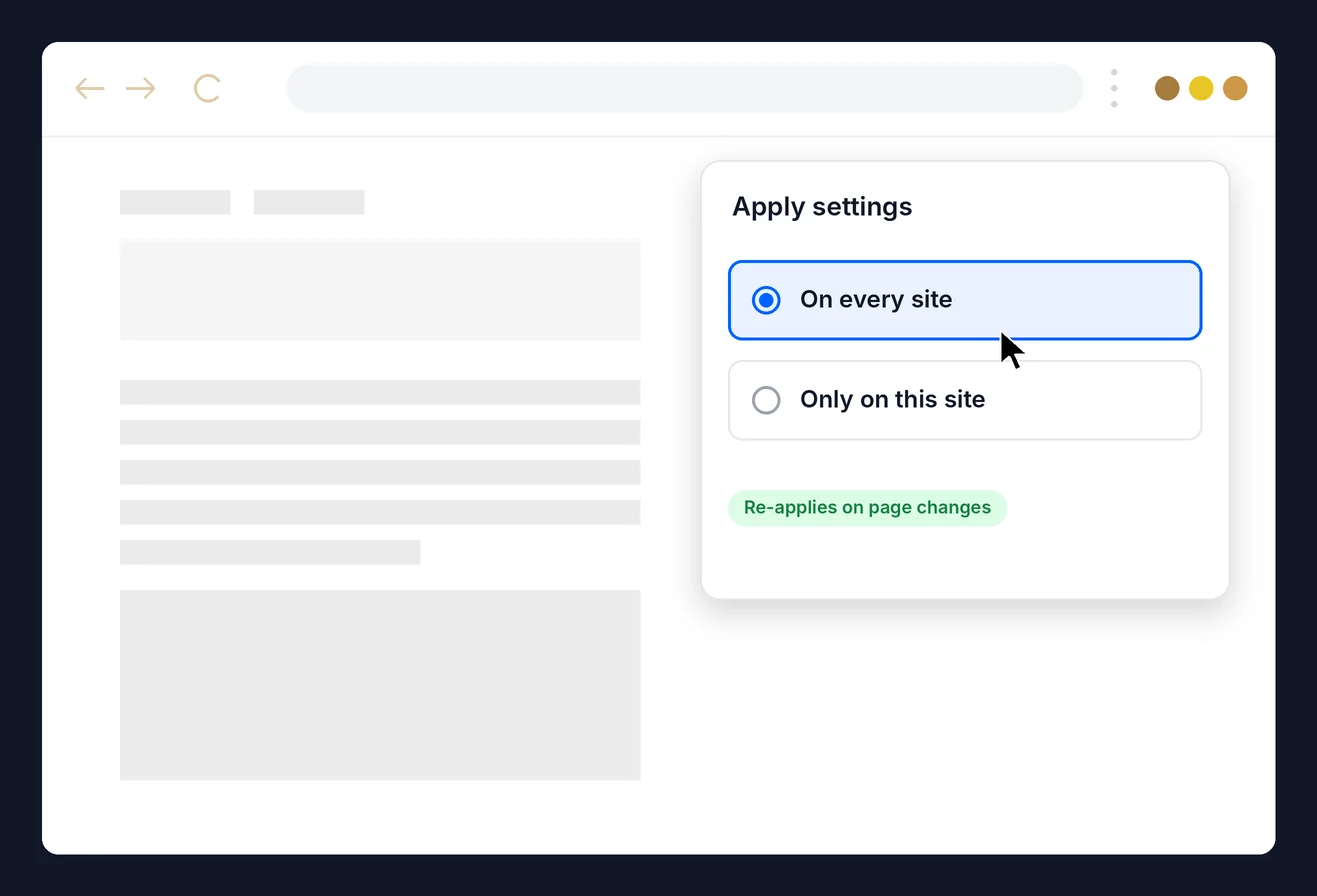
Everywhere, or just here
Apply settings to every site or only this one. They re-apply on single-page apps and keep working for 7 days if our servers are unreachable. Chrome, Edge and Firefox; Safari and Opera soon.
Requires a Readabler account and an active extension subscription.
More from the Readabler universe
 Readabler AIAI assistant and full toolset for any website.Free scan · plans from $4/mo
 Accessibility AnalyzerScan for WCAG barriers and fix them in one click.10 free reports
 WordPress pluginReadabler Pro: the top-selling accessibility plugin.From $25
 Accessibility AssistantFree WordPress.org plugin connected to Readabler AI.Free plugin
 Shopify appAccessibility widget for Shopify storefronts.From $9/mo
 Standalone JSSelf-hosted script for any HTML website.From $89 · lifetime
 You are hereBrowser extensionChrome, Edge and Firefox — on every site you visit.1 day free, then $19/moNot sure which one?Compare all seven side by side →