
 Readabler AI
Everything in Readabler AI
The AI assistant, one-click patches and the complete accessibility toolset — for any website, in 16 languages.
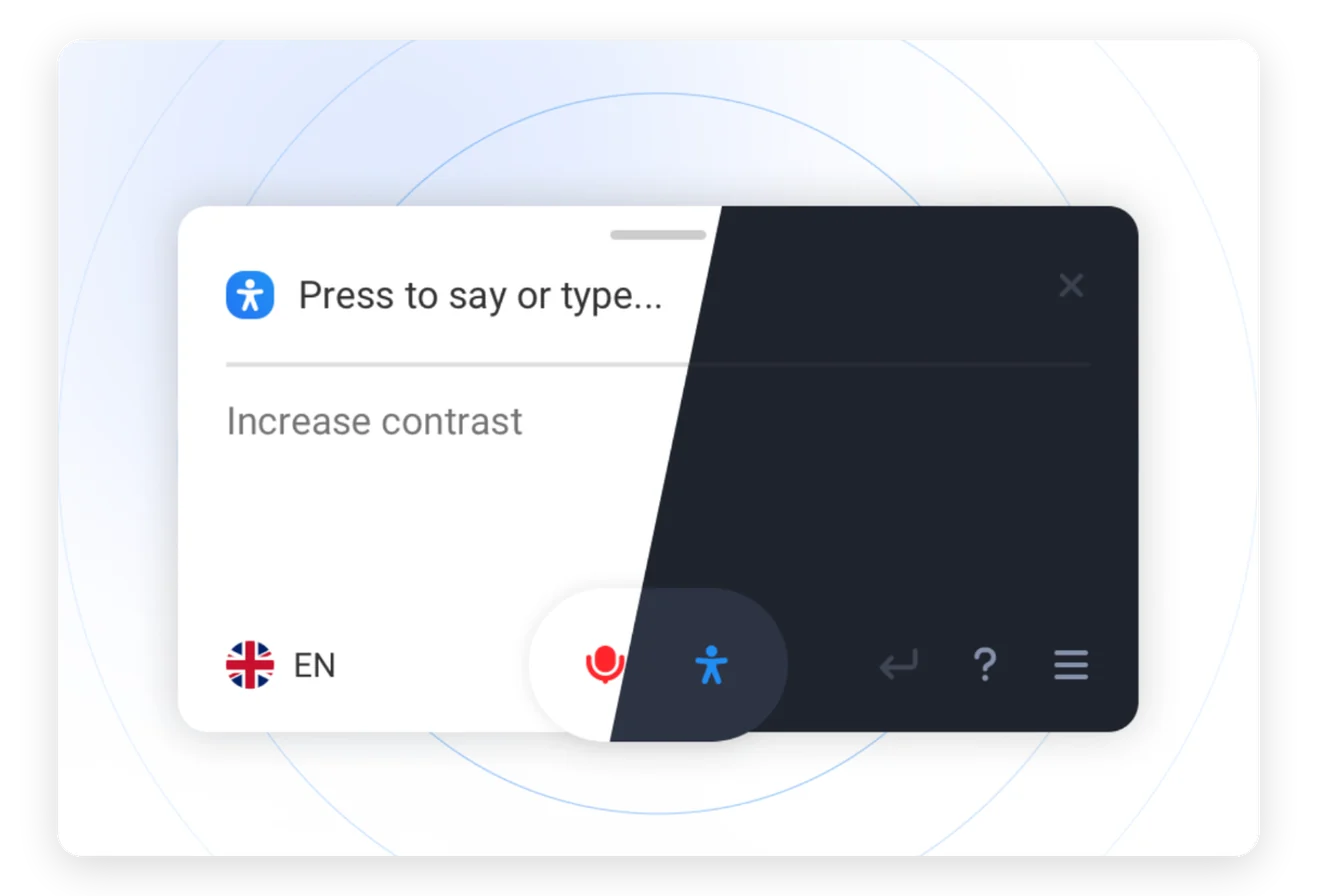
Ask for what you need, and it’s done
Visitors type or say a request. The assistant turns on the right profile and settings for them.


Describes any picture on request
Visitors ask what is in an image and get a natural-language description.


Answers about the page itself
Questions about products, prices or details get answers from what is on the page.


Reads aloud like a person
OpenAI and Microsoft Azure voices, male and female, in many languages.
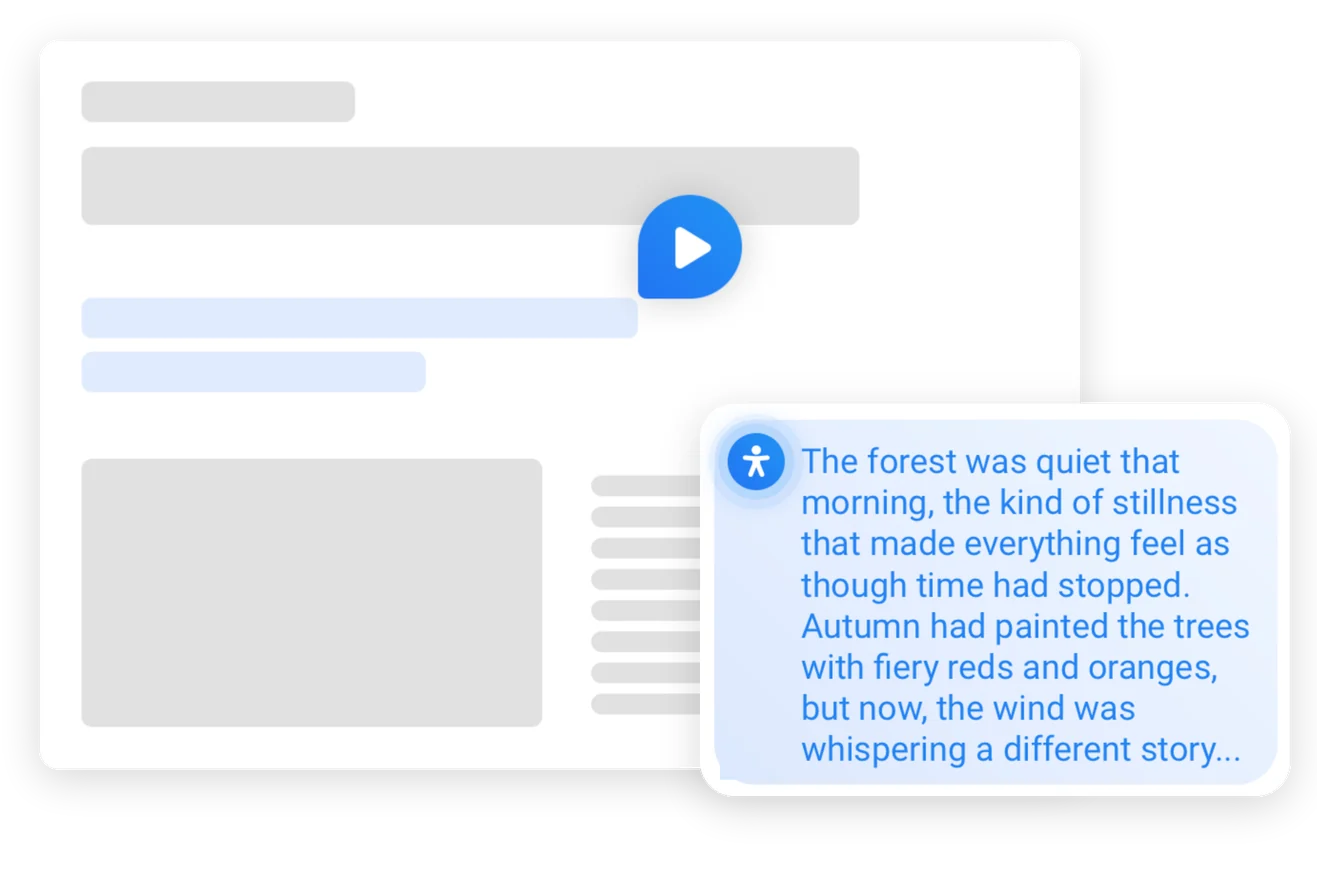
Language barrier breaker
Text is translated in real time and can be read aloud in the visitor’s language.
Navigate by speaking
Say “open the Contact Us link” and the assistant does it.
Patches: scan, fix and verify without touching code
Readabler finds accessibility issues and fixes many of them in the live page, with AI texts you can approve.
How Patches work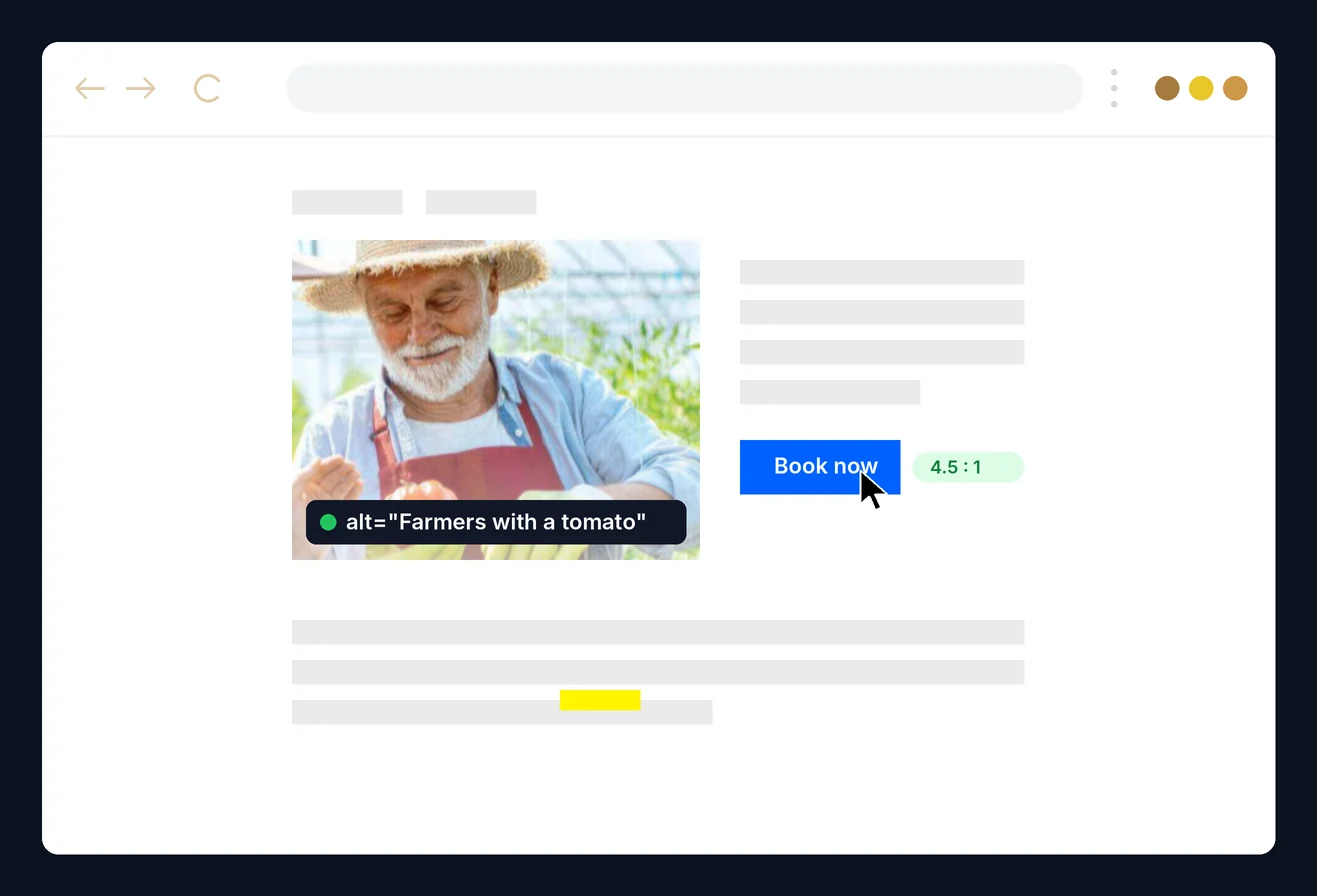
Ask if the page mentions something
The assistant checks the page and says what it found, or that it found nothing.
Explains unfamiliar terms
Visitors ask what a word means and get a short, plain answer.
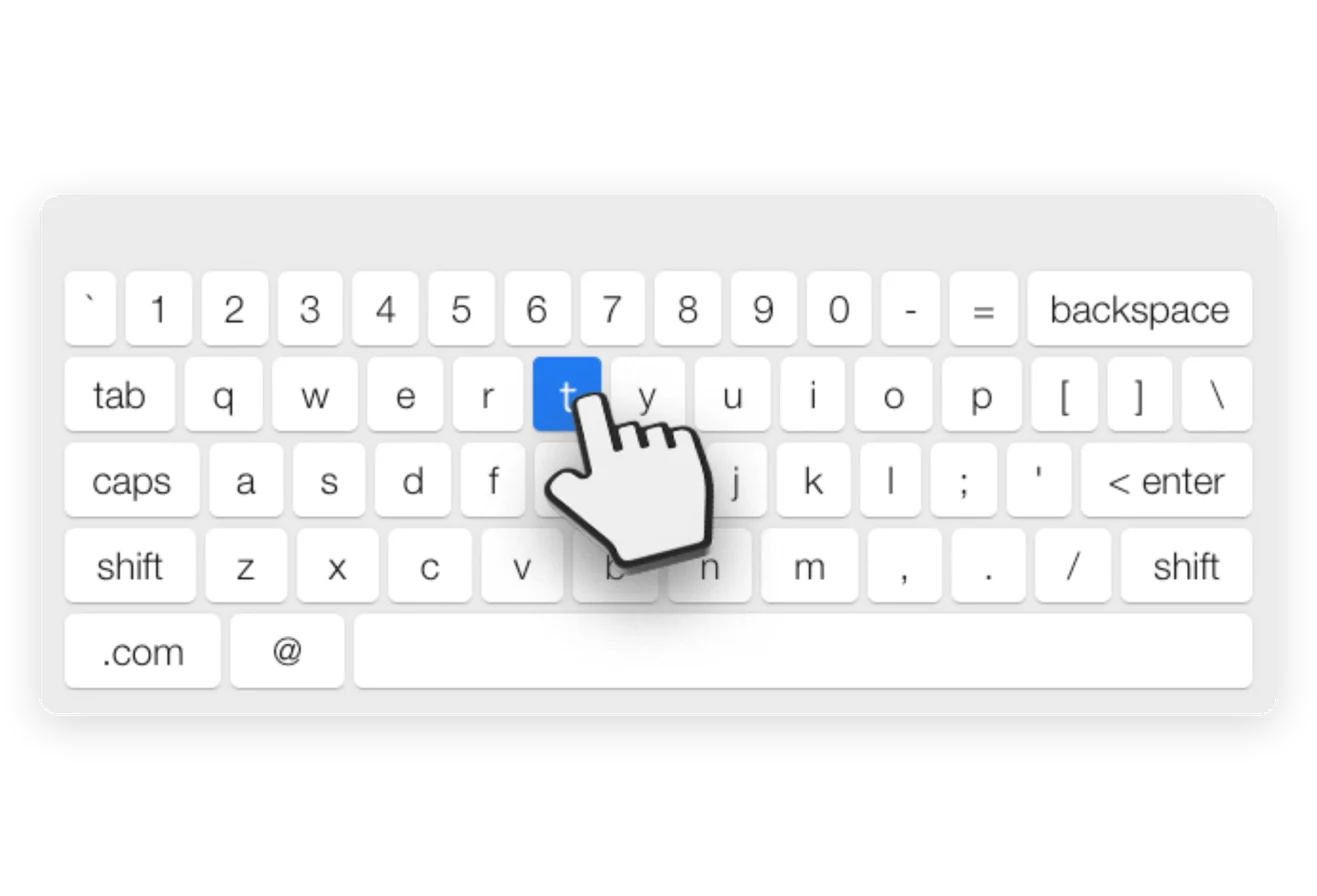
Type without a physical keyboard
An on-screen keyboard for visitors who use a mouse, switch or touch.
One click for a whole set of settings
Profiles for epilepsy, low vision, cognitive disability, ADHD, blindness and motor impairment.

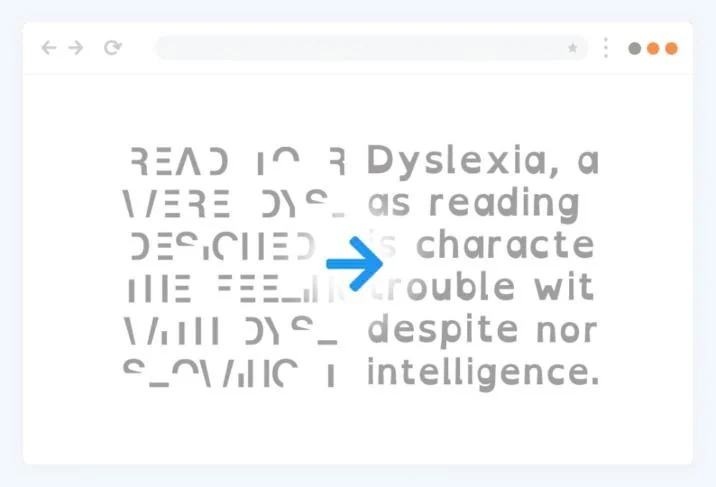
Text that is easier to read
A readable font and a dyslexia-friendly font, with control over size and spacing.
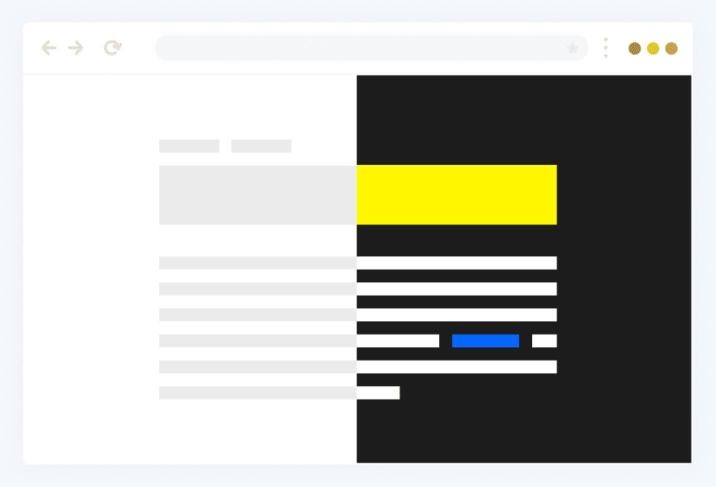
See the page clearly
Dark, light and high contrast, saturation and custom text colours.
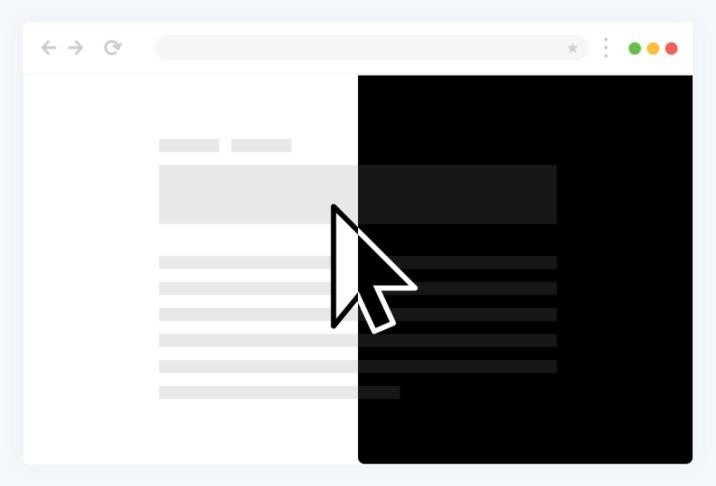
A pointer you won’t lose
Large black or white cursors that stand out on any background.
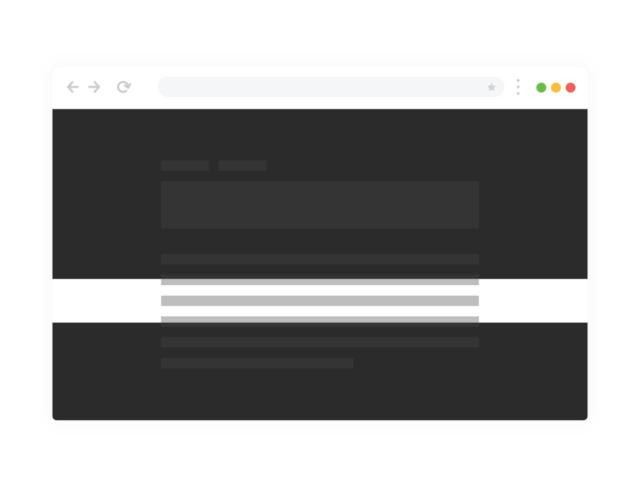
Focus on one line at a time
A mask and a reading guide dim everything except what you are reading.
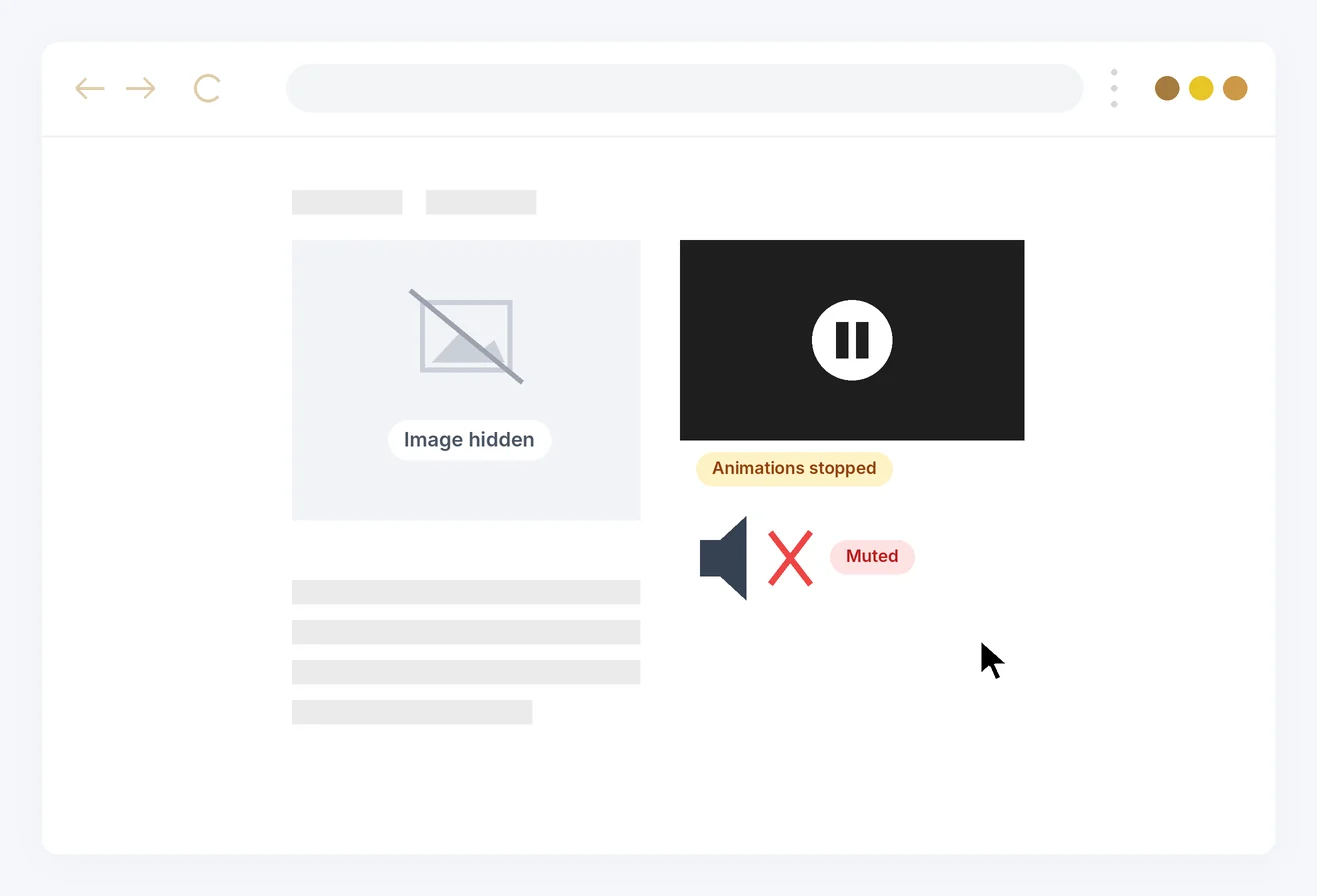
Fewer distractions
Stop animations, hide images and emojis, and mute sounds.
Day and night, on any device
Light and dark modes that work on mobile too.
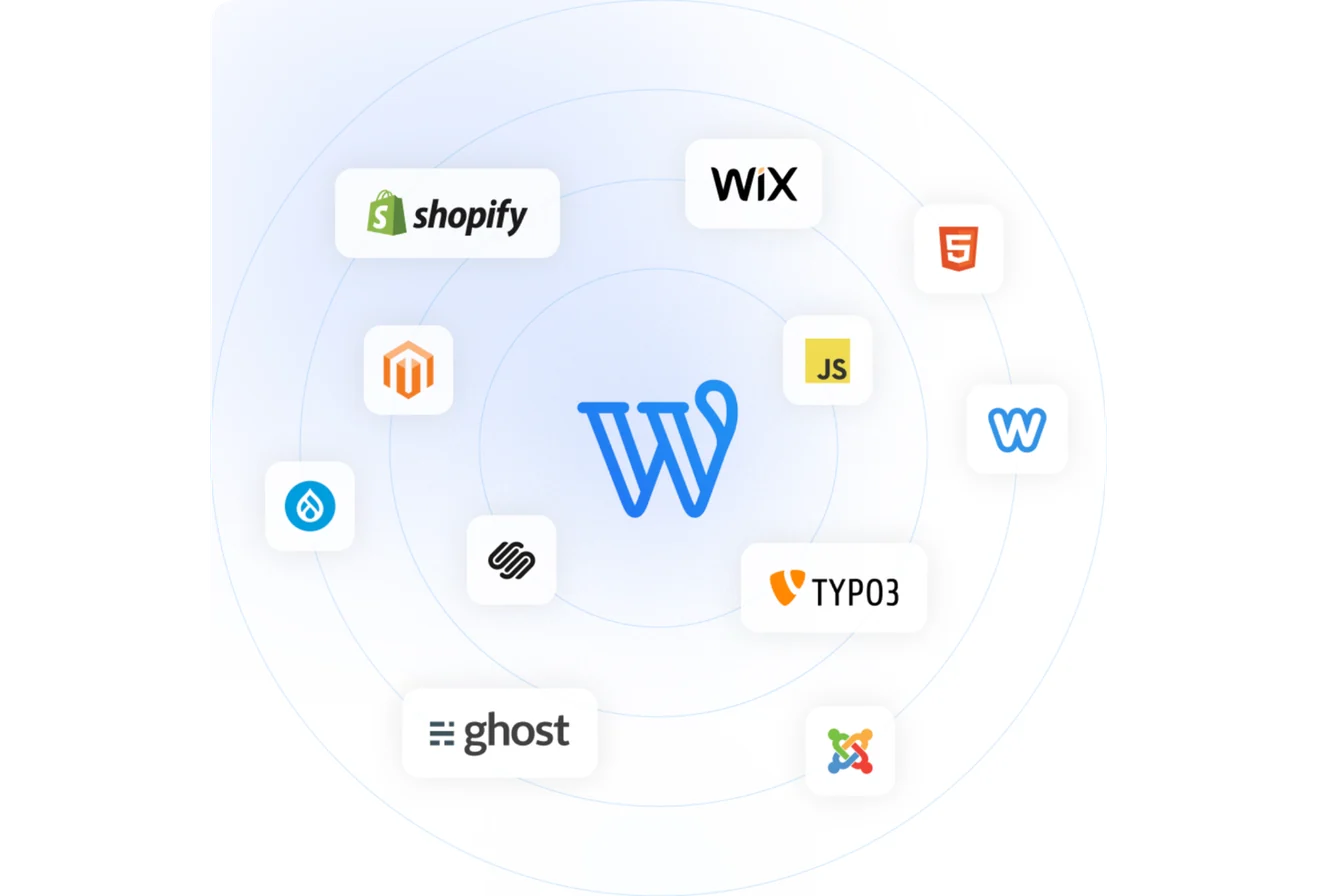
WordPress, Shopify, Wix, Webflow, Squarespace, Drupal, Joomla — or one script tag
Readabler AI also comes with a dashboard: analyzer, reports and usage analytics for every site on your plan.
Available features depend on the plan; AI features use your plan’s AI tokens.
More from the Readabler universe
 You are hereReadabler AIAI assistant and full toolset for any website.Free scan · plans from $4/mo
 Accessibility AnalyzerScan for WCAG barriers and fix them in one click.10 free reports
 WordPress pluginReadabler Pro: the top-selling accessibility plugin.From $25
 Accessibility AssistantFree WordPress.org plugin connected to Readabler AI.Free plugin
 Shopify appAccessibility widget for Shopify storefronts.From $9/mo
 Standalone JSSelf-hosted script for any HTML website.From $89 · lifetime
 Browser extensionChrome, Edge and Firefox — on every site you visit.1 day free, then $19/moNot sure which one?Compare all seven side by side →