

















What is web accessibility? A plain-language guide for website owners
Web accessibility means that people with disabilities can use your website. Who it helps, what WCAG asks for in plain words, which laws apply and where to start this week.


Web accessibility means that people with disabilities can perceive, understand, navigate and use your website. A blind customer can hear your product page with a screen reader. A person who cannot use a mouse can complete your checkout with a keyboard. Someone with low vision can zoom in without the layout breaking.
It is not a niche concern. More than one in four adults in the United States has some type of disability (CDC), and the World Health Organization estimates 1.3 billion people worldwide. Yet WebAIM’s 2026 scan found detectable accessibility failures on 95.9% of the top million home pages (WebAIM Million). This guide explains web accessibility in plain words and shows where to start.
Who web accessibility helps
| People | How they use the web | What gets in their way |
|---|---|---|
| Blind and low-vision users | Screen readers, screen magnifiers, high contrast, zoom | Images without text, low contrast, layouts that break at 200% |
| Deaf and hard-of-hearing users | Captions and transcripts | Videos without captions, audio-only content |
| People with motor disabilities | Keyboard, switch devices, voice control | Menus that need a mouse, tiny buttons, time limits |
| People with cognitive disabilities | Clear language, predictable layouts | Jargon, clutter, unexpected pop-ups, vague errors |
| Everyone, some of the time | A phone in bright sun, a broken arm, a noisy train | The same barriers as above |
The last row matters. Captions help in a quiet office, good contrast helps outdoors, and a clear form helps anyone in a hurry. Accessible sites are usually easier for everyone.

The four principles of web accessibility (WCAG)
The Web Content Accessibility Guidelines (WCAG), published by the W3C, are the standard that laws and courts refer to. Version 2.2 is the current recommendation; many laws still cite 2.1 Level AA. WCAG groups its rules under four principles, often remembered as POUR (W3C introduction):
- Perceivable. Information can be seen or heard in more than one way: text alternatives for images, captions for video, enough color contrast.
- Operable. Everything works with a keyboard, users have enough time, and nothing flashes in a way that can cause seizures.
- Understandable. Text is clear, pages behave predictably, and forms explain errors and how to fix them.
- Robust. The code is clean enough that browsers and assistive technologies can interpret it, now and in the future.
Each principle has testable success criteria at three levels: A, AA and AAA. Level AA is the usual target. The Readabler issues reference explains each common problem and how to fix it.
Why web accessibility matters for your business
- Customers. People with disabilities and their families spend real money online, and most will simply leave a site that does not work for them.
- Law. In the United States, courts apply the Americans with Disabilities Act to websites, and thousands of lawsuits are filed every year. In the European Union, the European Accessibility Act applies to many online shops and services since June 28, 2025.
- Search and quality. Headings, alt text, captions and clean code also help search engines and reduce support requests.
Common web accessibility barriers
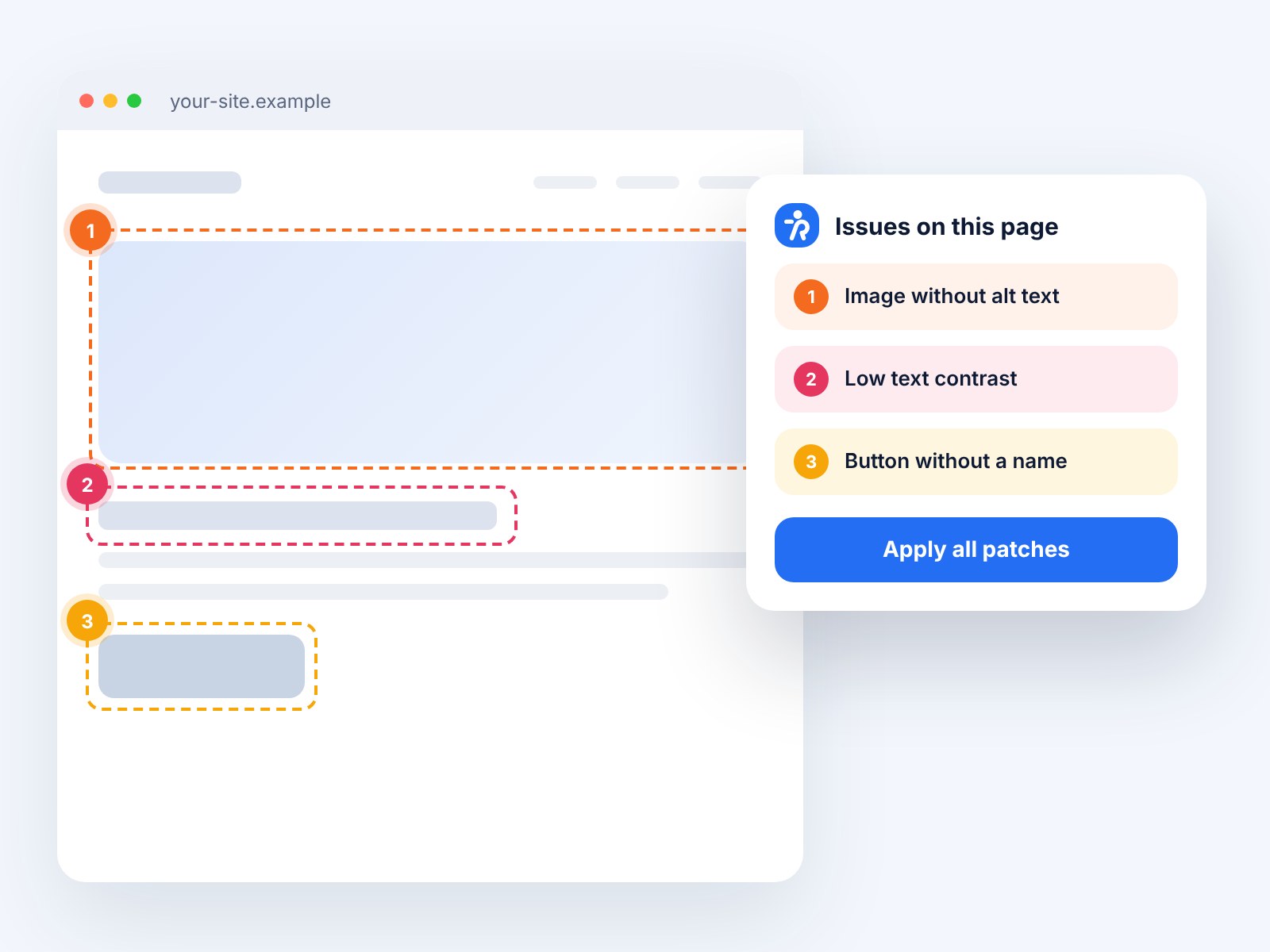
Six problems make up 96% of the errors that automated tools detect, according to WebAIM:
| Barrier | Share of home pages (2026) |
|---|---|
| Low-contrast text | 83.9% |
| Images without alternative text | 53.1% |
| Form fields without labels | 51.0% |
| Empty links | 46.3% |
| Empty buttons | 30.6% |
| Missing page language | 13.5% |
All six are easy to find and most are quick to fix. Automated tools cannot catch everything, though: whether alt text is accurate, whether a keyboard user can reach every control or whether an error message makes sense still needs a person.

Five first steps for website owners
- Scan your key pages. Run a free automated check of your home page, a product or service page, and your contact or checkout form with the Readabler Analyzer.
- Try your site with only a keyboard. Press Tab through the page. Can you see where you are and reach every link and button?
- Fix the easy wins. Contrast, alt text, form labels and page language are often fixed in an afternoon.
- Ask your vendors. Themes, plugins, payment and booking tools affect your site’s web accessibility as much as your own code.
- Publish an accessibility statement with a way for people to report barriers, and answer those reports.
Web accessibility is not a one-time project. New pages, products and plugins bring new issues, so check regularly, the same way you check speed or security.
Web accessibility: FAQ
Is web accessibility only about blind users?
No. It covers visual, hearing, motor, speech and cognitive disabilities, as well as temporary and situational limitations.
Is web accessibility required by law?
In many places, yes: the ADA in the United States, the European Accessibility Act in the EU, the Equality Act in the UK and similar laws elsewhere. Which rules apply depends on your organization and your customers.
Can a plugin make my site accessible?
A plugin can fix some issues and offer helpful tools, but content, design and code still matter. No plugin alone makes a site fully accessible.
Leave a comment